Happiness meter

Happiness meter for service centres, branches and counters

A happiness meter is a one-tap smiley question asked right after a service. Qmeter runs it on any tablet at the counter, on QR codes and by SMS, shows customer happiness by branch, service and employee in real time, and sends every unhappy answer to a manager as a tracked case.

Built for the way service is measured in the UAE and across the Gulf: Arabic and English on the same screen, daily results, and data that can stay in the country or on your own servers.

A named person at Qmeter replies within one business day.

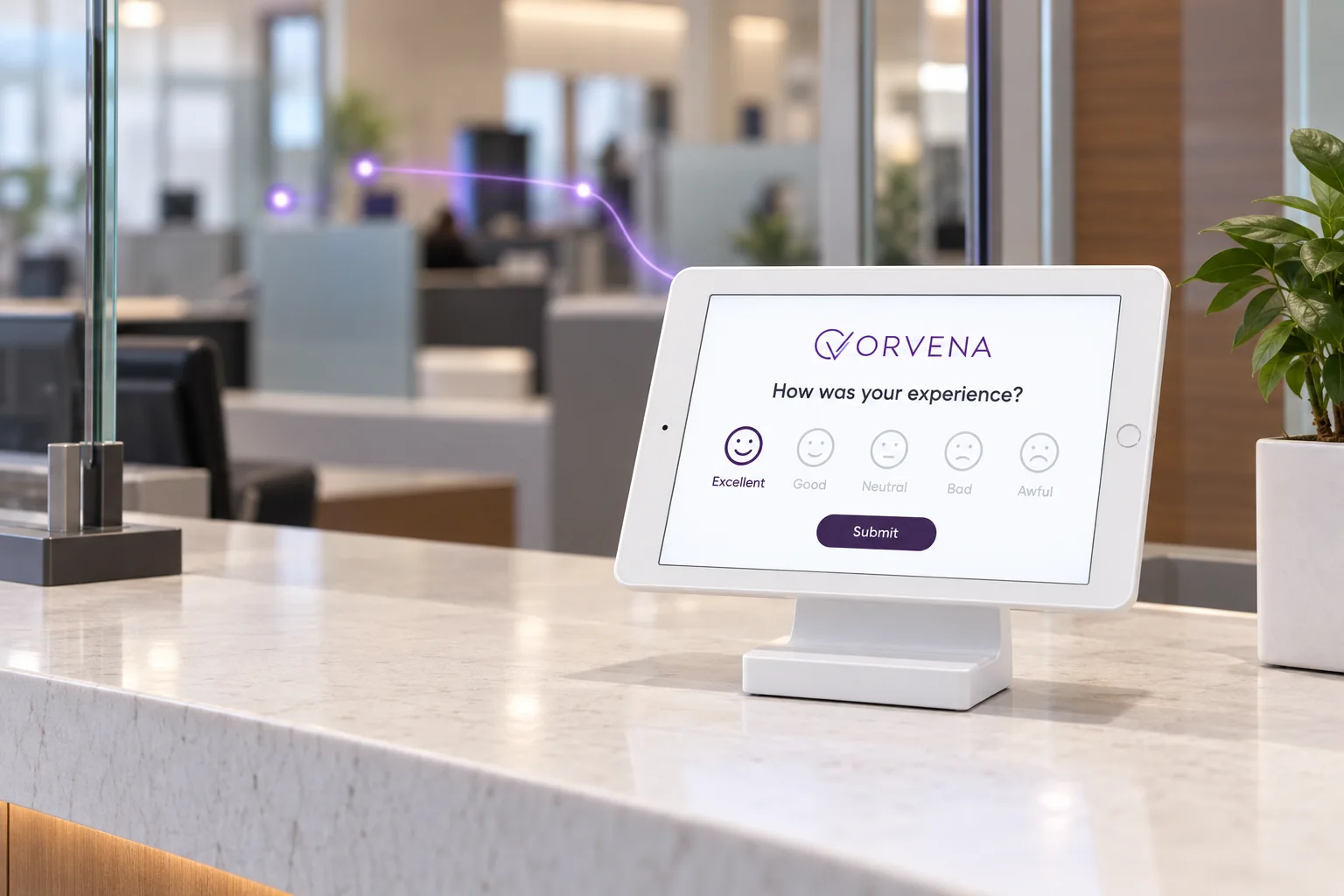
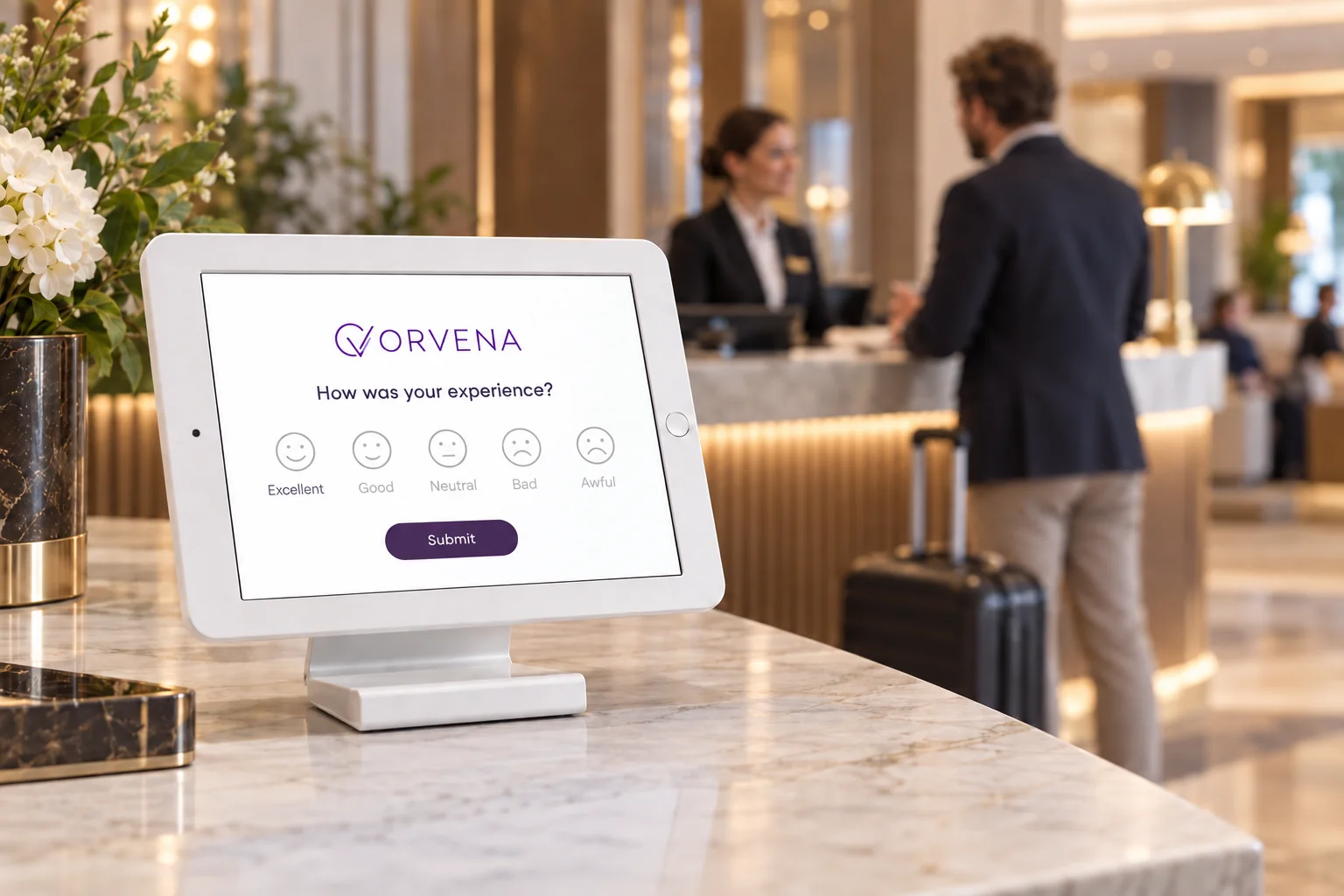
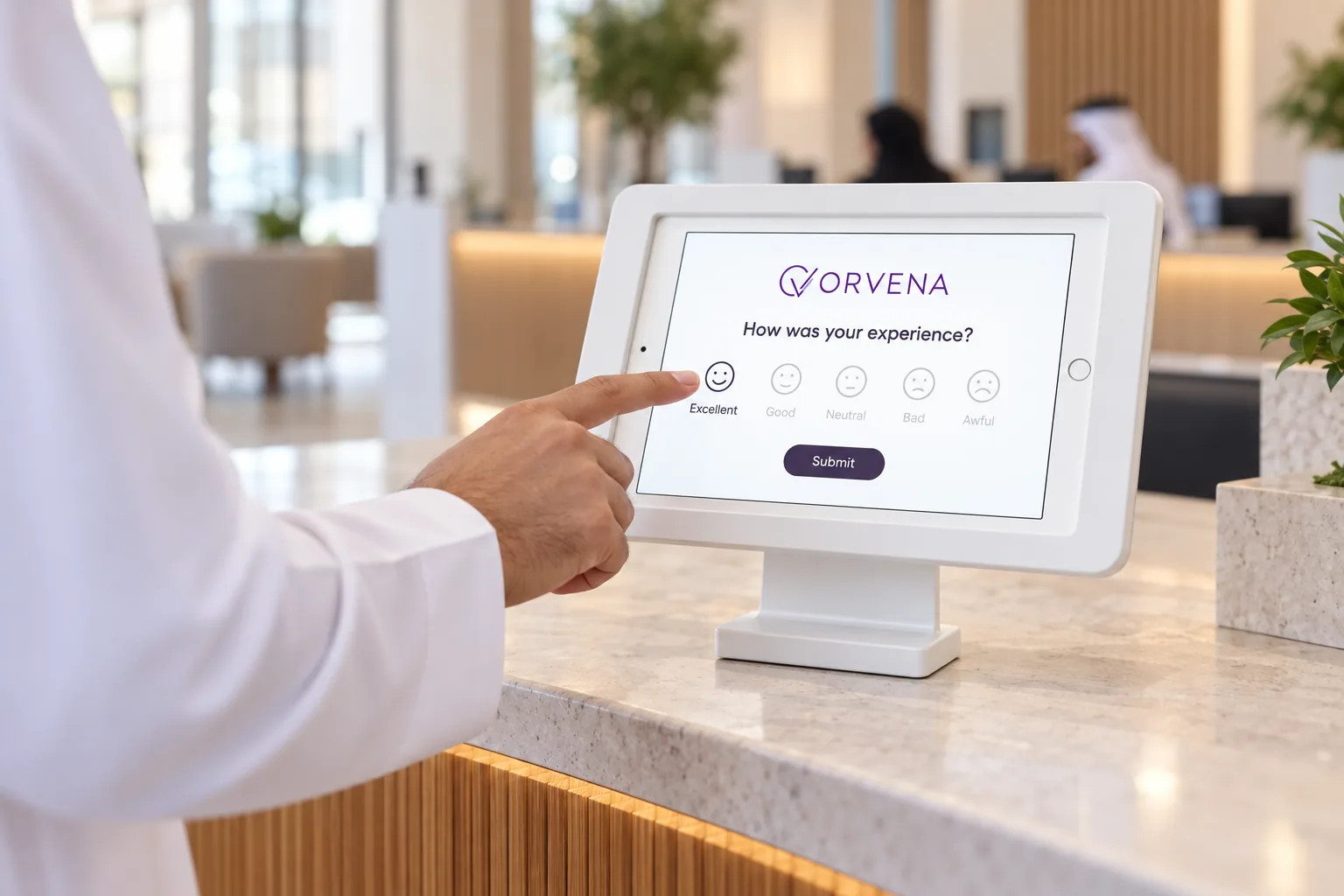
Customer service officer and a smiling customer at a bright service counter in the Gulf, a tablet on a stand between them
Definition

What is a happiness meter?

A happiness meter is a short question on a screen at the point of service: the customer taps a happy, neutral or unhappy face, and the answer is recorded with the place, the service and the time.

  • One tap: it takes a second, so most customers answer.
  • Daily measure: you see today's happiness, not last quarter's survey.
  • Action: an unhappy answer is followed up while the customer is still nearby.

In the UAE the term comes from the public sector: a three-face question was introduced in Dubai in 2014 and is used across federal entities. Qmeter is an independent product and is not part of or affiliated with any government programme. For how public service centres are assessed, see UAE Star Rating and Happiness Meter.

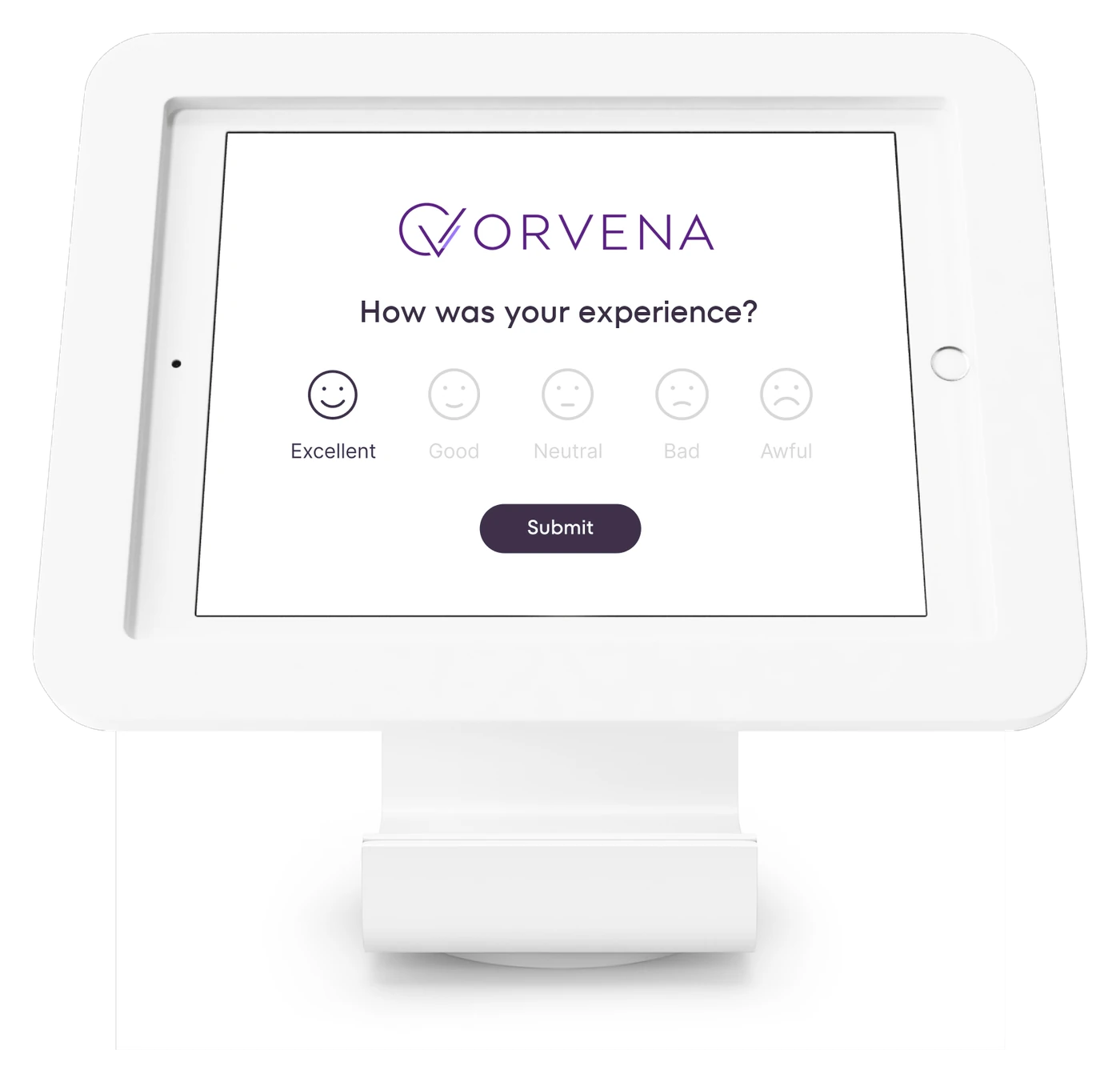
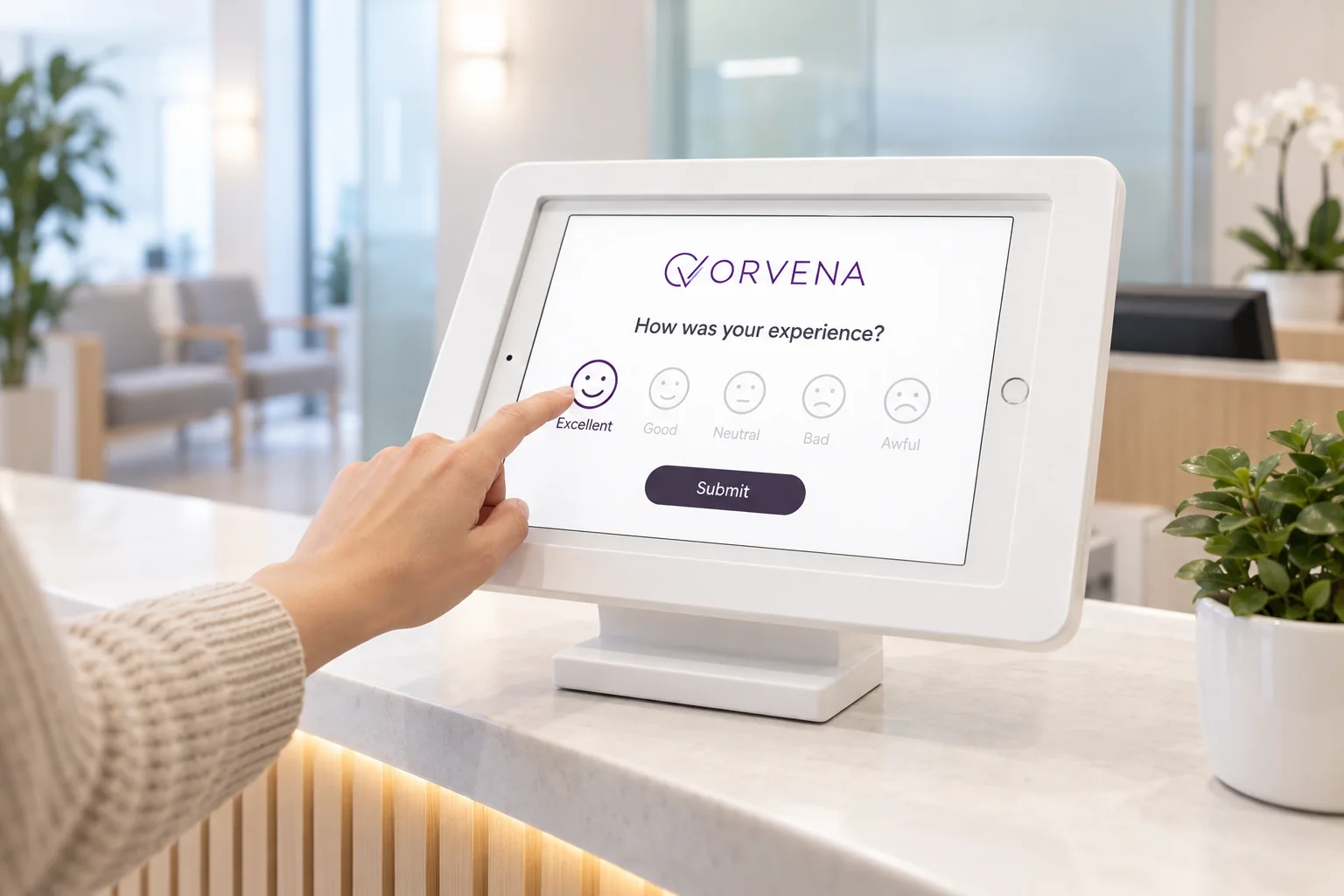
Tablet on a counter stand asking How was your experience with five smiley faces, a customer about to tap the happiest face
Fit check

Is Qmeter the right happiness meter for you?

An honest answer before you write to us.

A strong fit when

  • You serve customers at counters, desks or branches: service centres, banks, clinics, malls, hotels, typing and business centres.
  • Management asks for a customer happiness figure by branch and by employee, every day.
  • You need Arabic and English on the same screen and in the same report.
  • An unhappy customer must reach a named manager, with a deadline and a record.
Not the right tool when

  • You only want a counter of smiley taps with no follow-up and no report. A simple button box is enough for that.
  • You need a long research questionnaire. Qmeter is built for short feedback at the moment of service.
How it works

From one tap at the counter to a daily happiness report

Four steps, one platform. The screens below are the live product on a demo account.

01

Build the question once

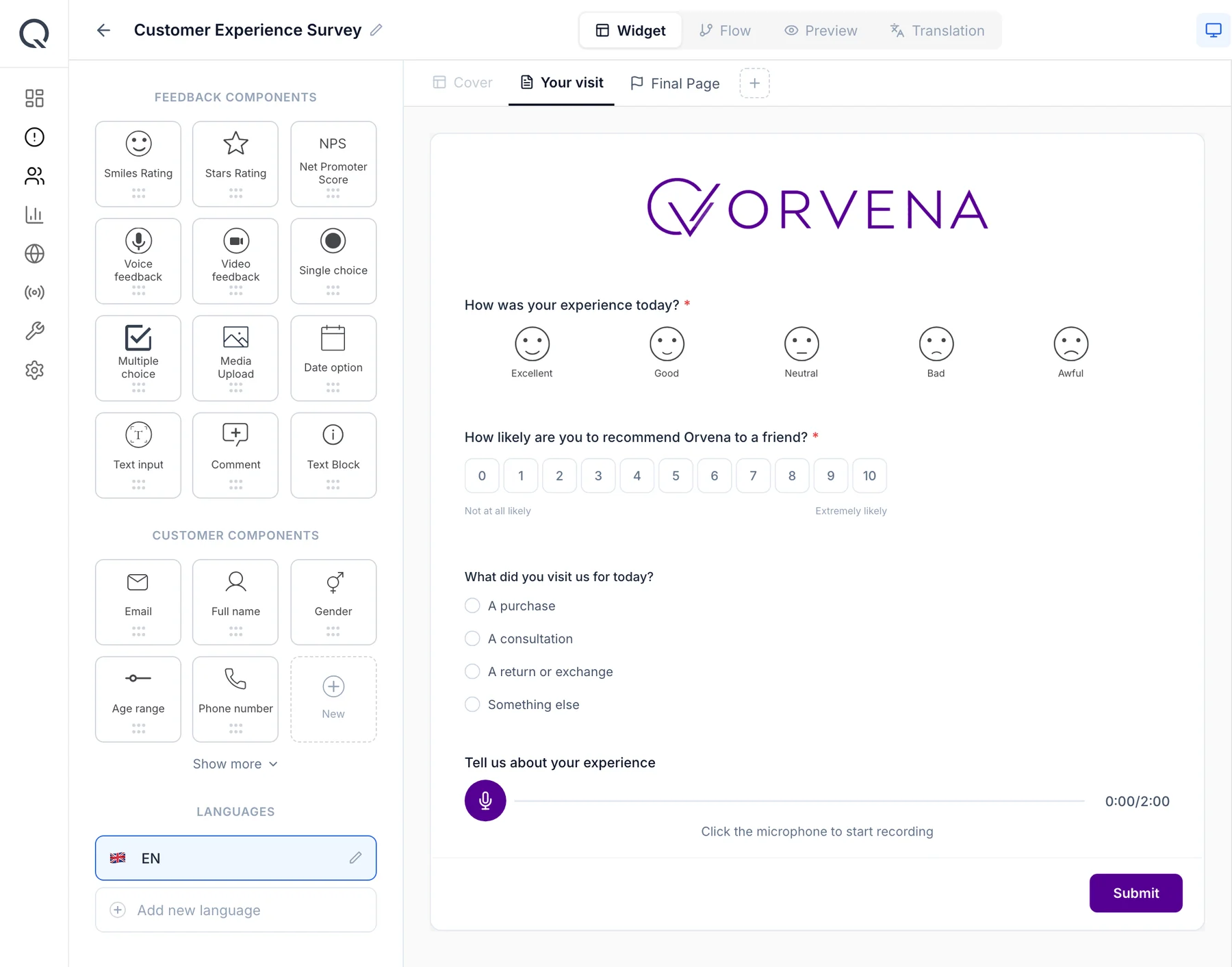
Drag the smiley question onto the canvas, add your logo and, if you want, a follow-up that appears only after an unhappy answer: a reason, a comment or a voice message. The same template runs in Arabic and English.

Qmeter survey builder: ORVENA logo, a smiley question, the NPS scale, a single-choice question and voice feedback
02

Put a tablet at every counter

Install the Qmeter Device app on any iPad or Android tablet, assign it to a branch and a service, and switch it to kiosk mode. The screen resets after every answer and keeps collecting when the Wi-Fi drops.

Qmeter feedback kiosk with the ORVENA survey: logo, one smiley question, submit
03

Read happiness by branch, service and employee

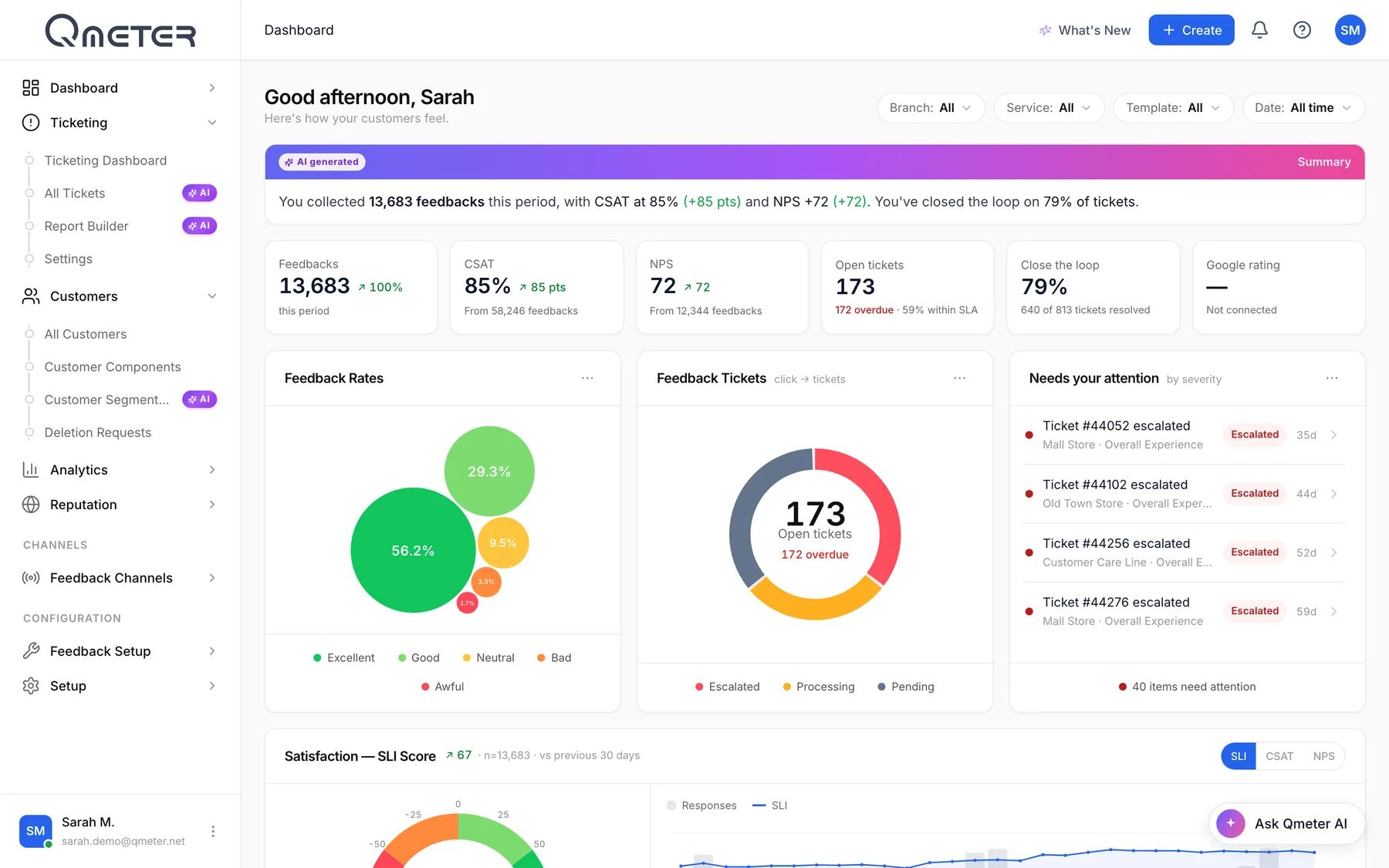
Answers appear on the dashboard as they are given. Compare branches, services, counters and hours, and see which place needs attention today.

Qmeter dashboard: AI summary, CSAT 85%, NPS +72, open tickets, feedback rates and tickets needing attention
04

Follow up every unhappy answer

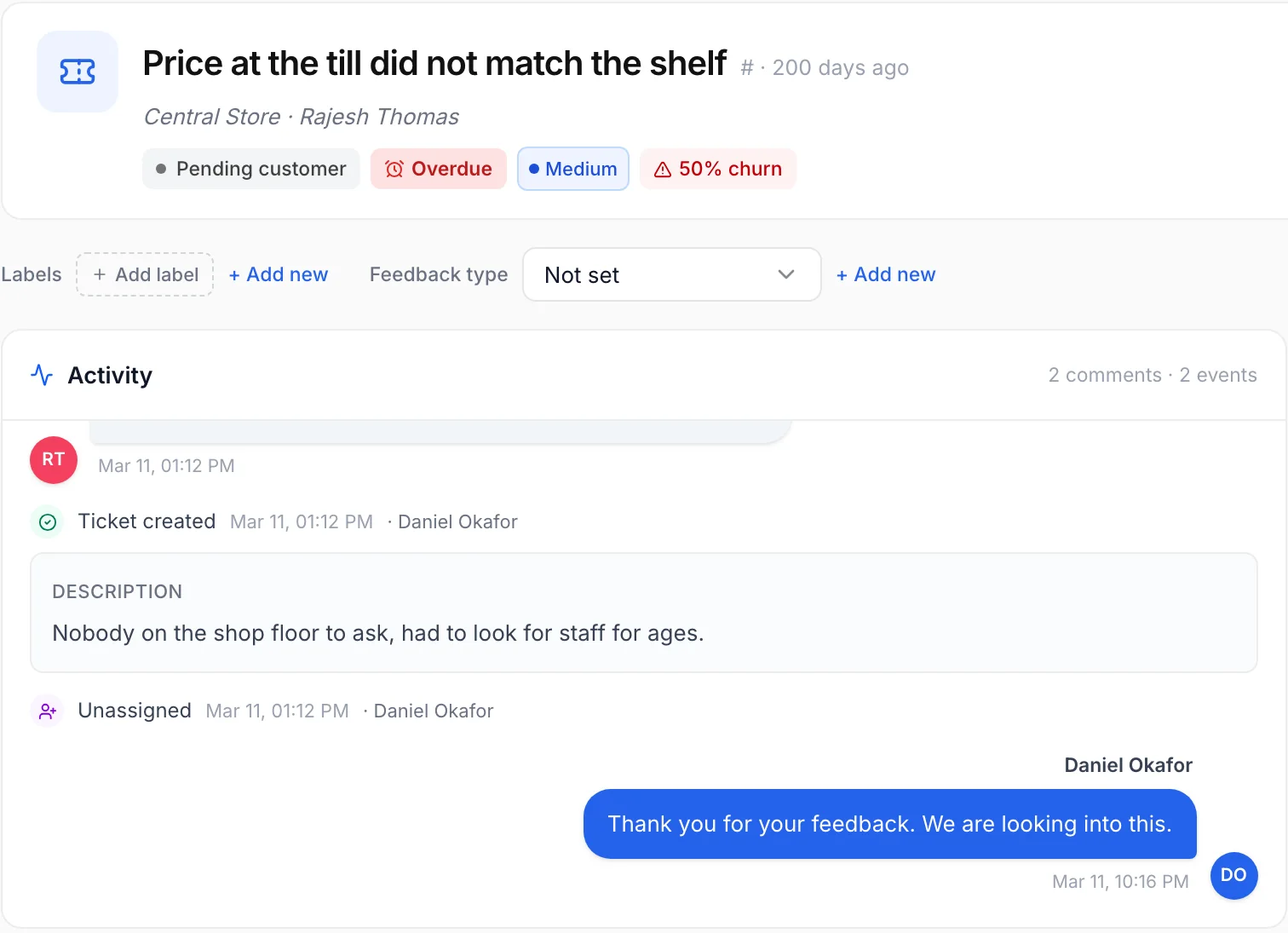
A rule turns an unhappy answer into a case with an owner, a deadline and an escalation path. The manager replies, resolves it, and the record stays for the next review. More on closed-loop ticketing.

Qmeter ticket opened from a low rating: status, priority, SLA and the reply sent to the customer

Dashboard and ticket screens are the live Qmeter product on a demo account with illustrative data; survey screens show a sample client brand.

Where it runs

Where a happiness meter earns its place

Four places where one tap after the service changes what management sees.

What is included

What the Qmeter happiness meter does

Product facts, not promises. Everything here is in the platform today.

Smiley question

A row of faces from happy to unhappy; the customer answers with one tap.

Arabic and English

Right-to-left Arabic and English on the same survey, plus 100+ other languages.

Learn more →

Any tablet

Runs on the iPads and Android tablets you already own.

Learn more →

Works offline

Answers are stored on the device and sync when the connection returns.

Learn more →

By branch, service, employee

Every answer carries its place, service and time for daily comparison.

Follow-up question

Ask why only after an unhappy answer: reason, comment or voice.

Cases with deadlines

Unhappy answers become tracked cases with escalation.

Learn more →

QR, SMS and web

The same question on a QR code, by SMS after the visit, or on your website.

In-country or on-premise

Keep the data in the country or run the platform on your own servers.

Learn more →
How it compares

Happiness meter software, a button box or a paper form?

Three common ways to ask the question, and where each one usually stops.

QmeterTypical alternatives
What you learnWho was unhappy, where, with which service, and whyA count of taps; the reason is unknown
What happens nextA case with an owner and a deadline for every unhappy answerNothing happens until someone reads a monthly report
LanguagesArabic and English on one screen, 100+ moreOften one language, or a printed card
HardwareStandard tablets you already ownProprietary boxes are common in this category
Other channelsQR, SMS, email and web on the same question and reportDevice only; a second tool for digital channels

General observations about product categories, not claims about any named vendor; check each product's current documentation.

Data protection

Customer data stays where you decide

A tap on a smiley needs no personal data. When a survey collects more, the platform treats it as a liability to protect.

Anonymous by default

A smiley answer carries no personal data; contact fields are optional.

In-country hosting

Deployments in the UAE keep the data in the country.

On-premise option

Run Qmeter inside your own data centre with the same features.

Masking and audit

Email and phone are masked; revealing them needs a permission and is logged.

The full data-protection picture, including masking, deletion flows, retention and deployment options, is on the security & GDPR page.

FAQ

Happiness meter, answered

Short, honest answers. For anything else, talk to our team.

What is a happiness meter?›

A happiness meter is a short question shown on a screen right after a service: the customer taps a happy, neutral or unhappy face. The answers are counted by place, service and time, so an organisation can see customer happiness every day and act on unhappy answers.

Keep exploring

Where to go deeper

Get started

See customer happiness by branch, every day

Tell us how many counters you have and we will show you the question, the daily report and the follow-up on your own locations, in 20 minutes.

See pricing
WhatsApp