01
Build the survey once
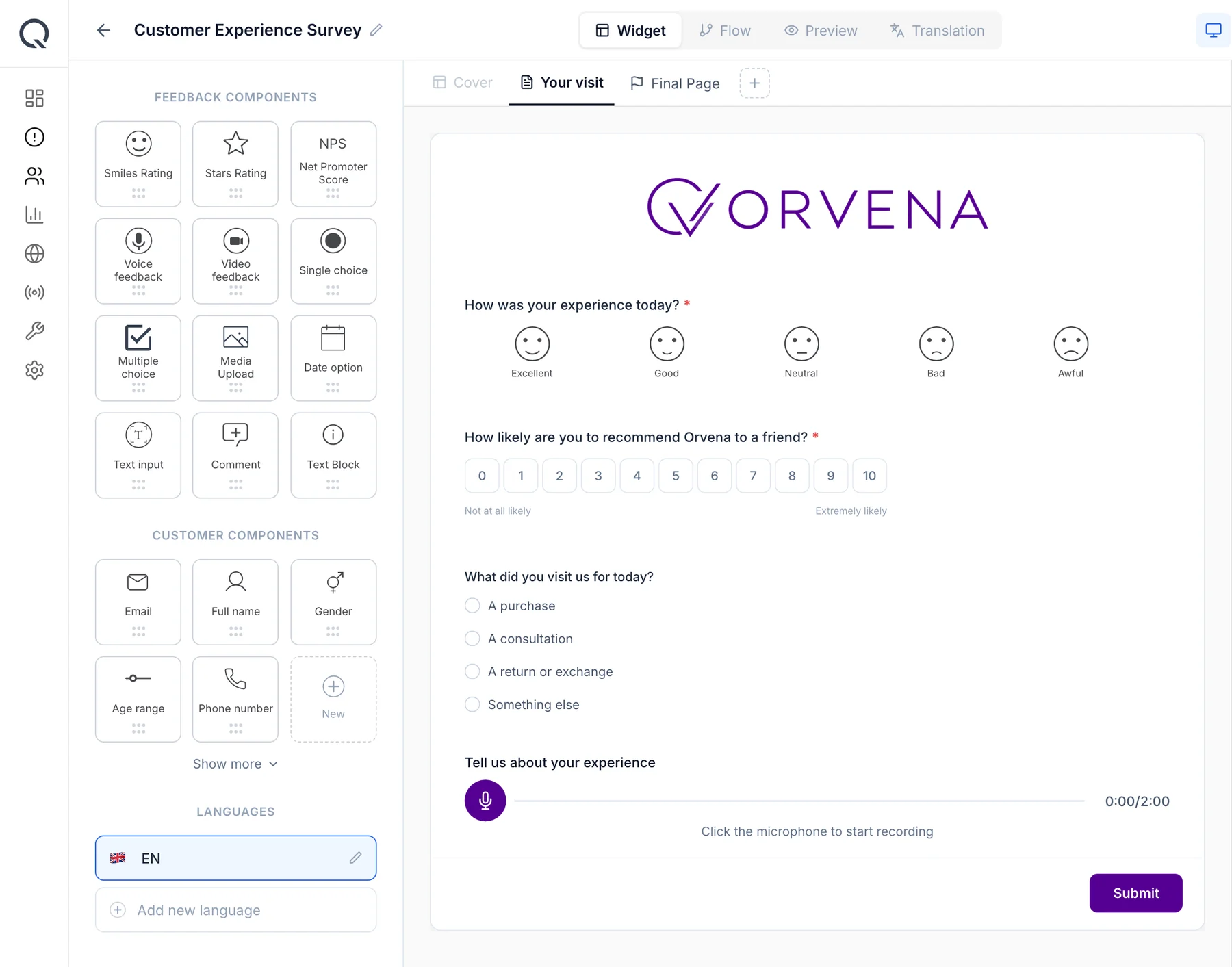
Drag a smiley or star rating onto the canvas and add a follow-up that only appears after a low tap. Translate the whole survey into 100+ languages with one click — the same template also runs on QR, SMS and web.
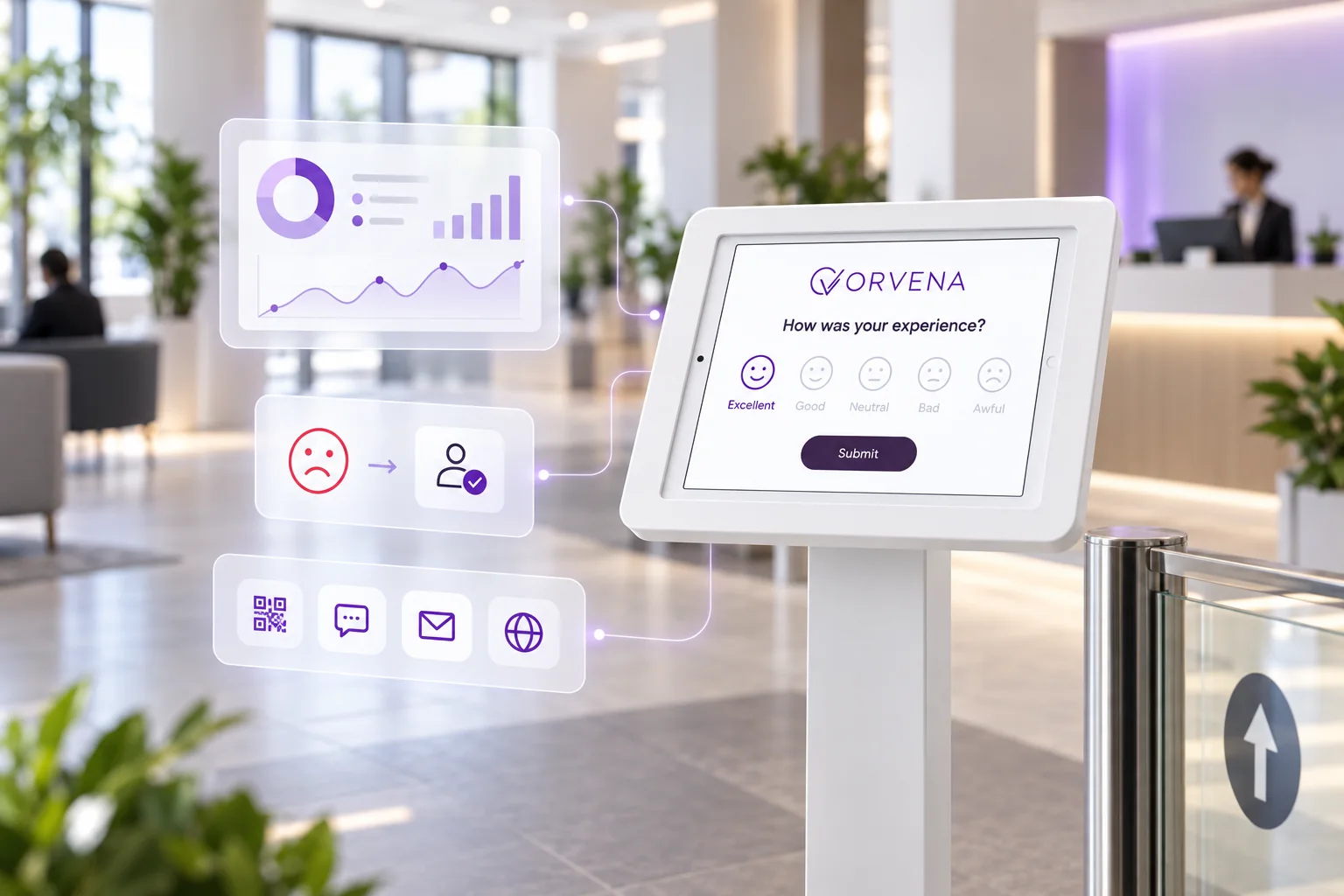
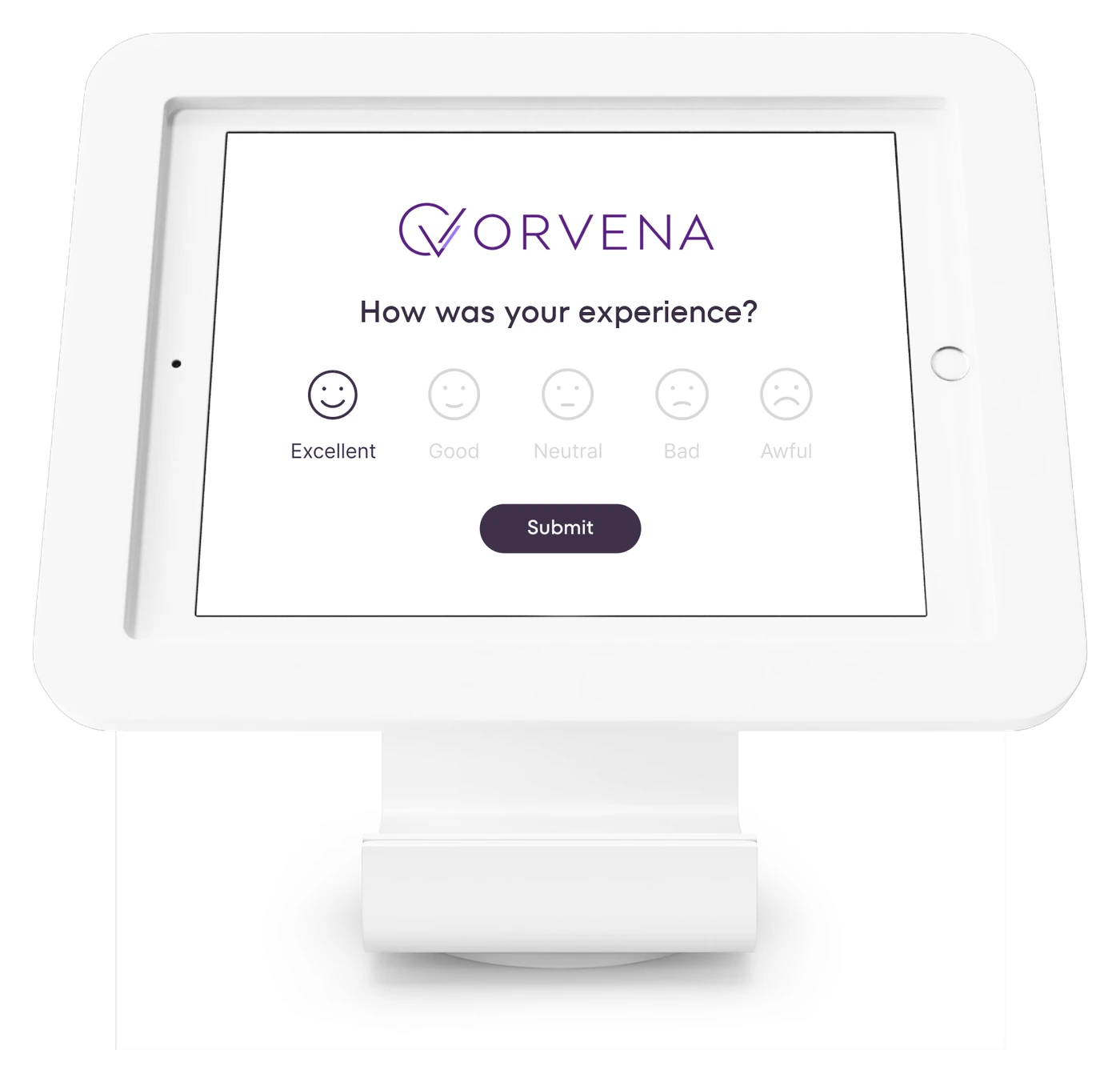
A Qmeter feedback kiosk is a tablet in kiosk mode at the exit, the counter or the door: one tap on a smiley and the rating lands on a live dashboard scoped to that branch. A low rating opens a ticket for the manager on duty, and the kiosk resets for the next customer.
Runs on the tablets you already own, keeps collecting when the Wi-Fi drops, and shares one platform with QR, SMS, web and email surveys, so there is no separate terminal system to maintain.
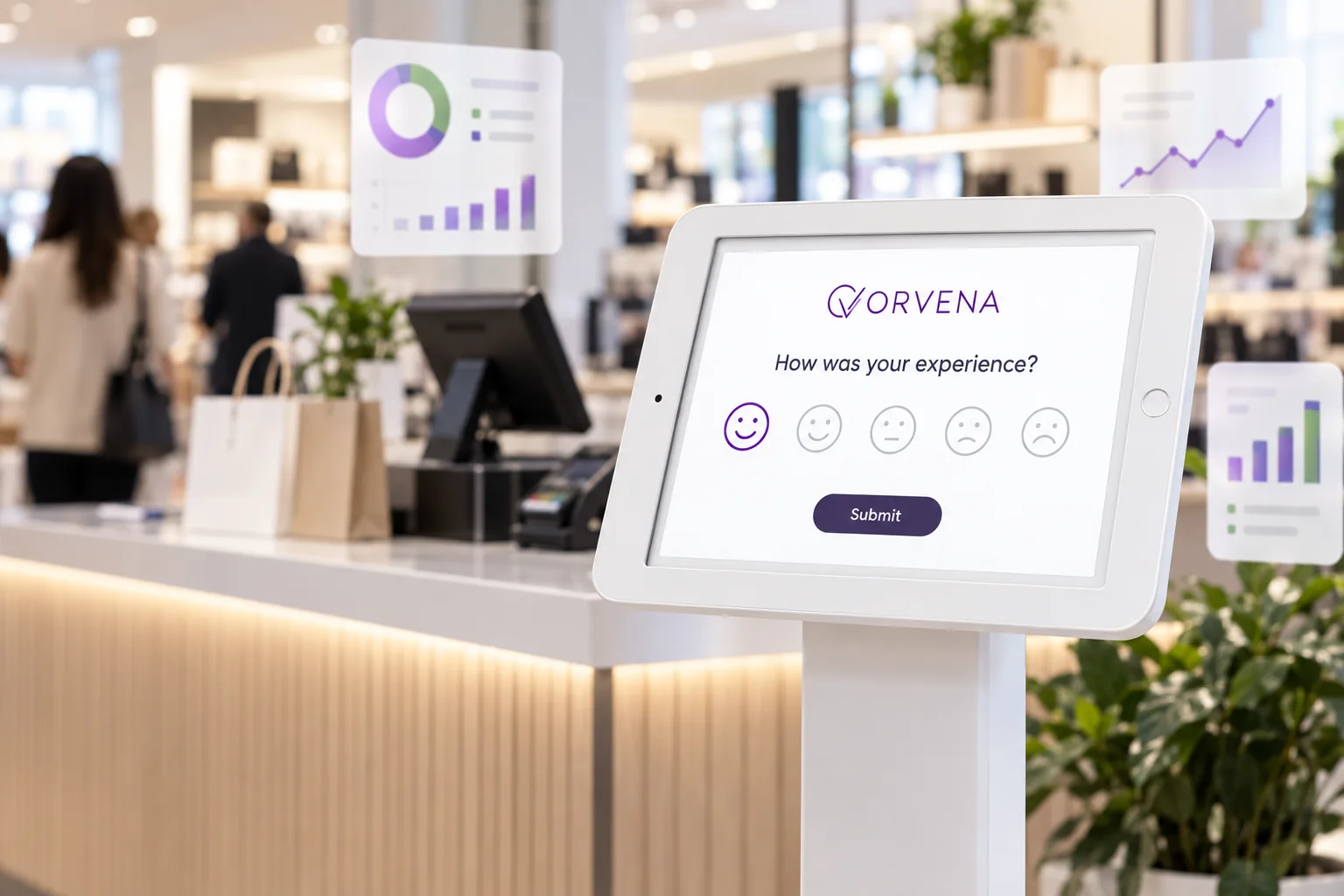
A feedback kiosk is a tablet or smiley feedback terminal at the point of experience — checkout, reception, gate — that asks one question and records the answer against that location and hour.
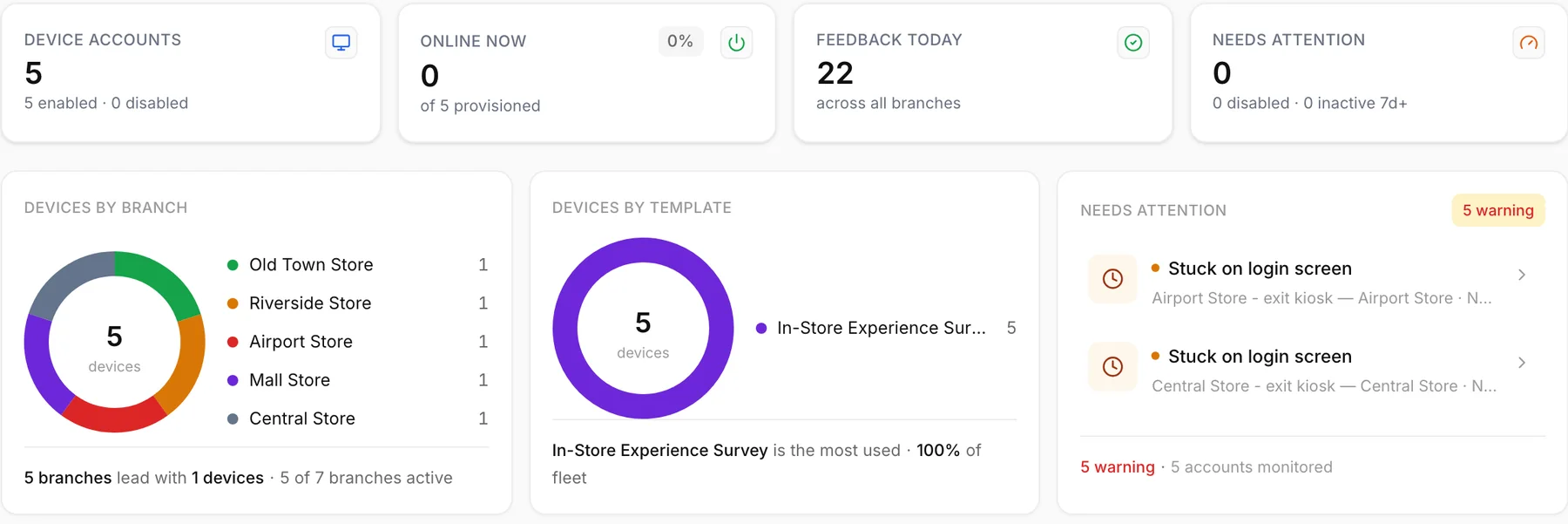
Four steps, one platform. The screens below are the live product on a demo account.
Drag a smiley or star rating onto the canvas and add a follow-up that only appears after a low tap. Translate the whole survey into 100+ languages with one click — the same template also runs on QR, SMS and web.
Create a device account, assign it to a branch and a template, and sign in on any tablet. Kiosk mode resets the survey after every answer, and the Qmeter device app keeps collecting when the Wi-Fi drops.
Every kiosk reports its online status, battery level and today's feedback count. A device that goes quiet is flagged the same day, before a week of ratings goes missing.
A low rating opens a ticket for the branch manager with first-response and resolution timers. The manager replies, records the root cause and closes the loop on the record — see closed-loop ticketing.
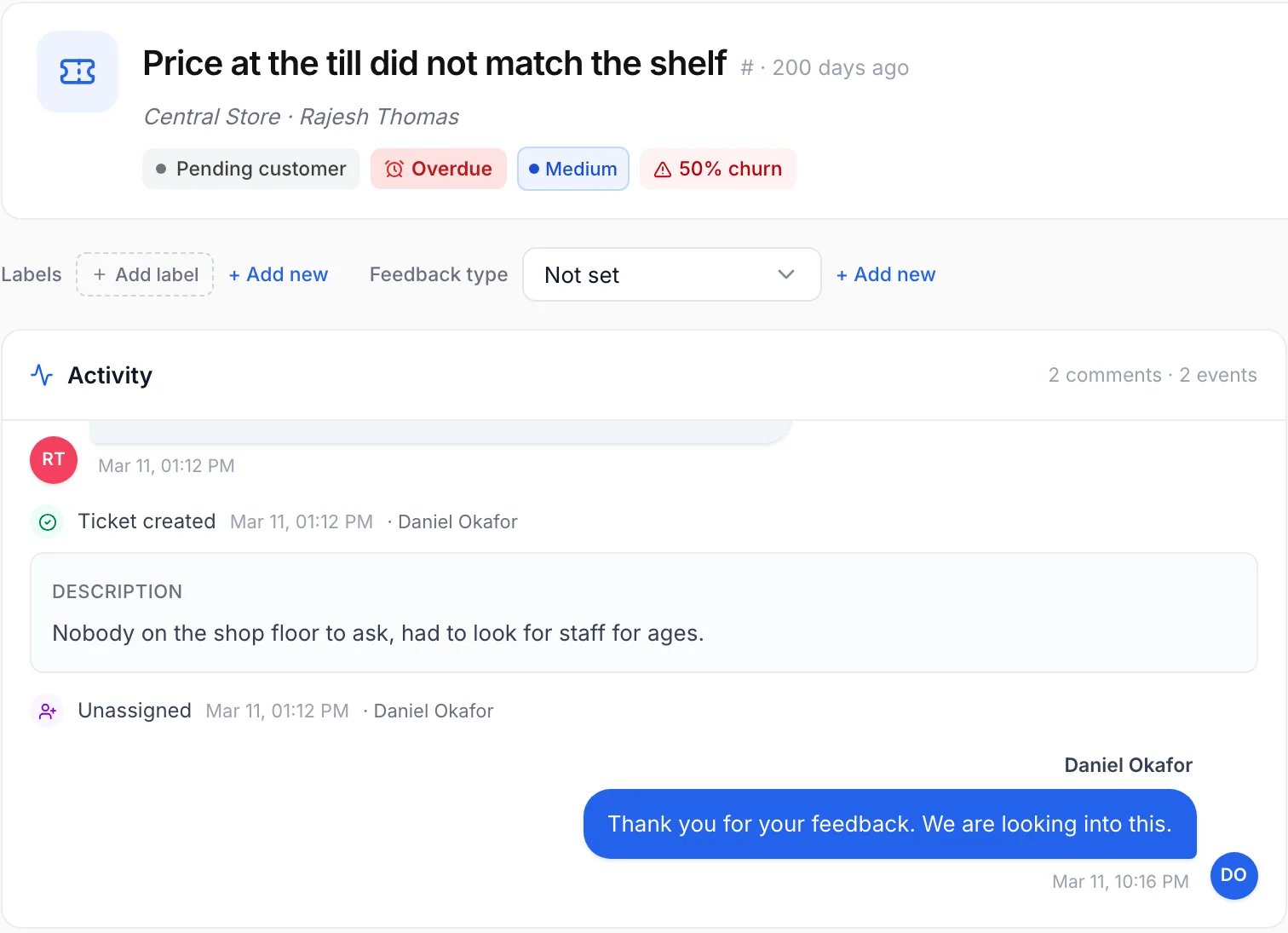
Dashboard and ticket screens are the live Qmeter product on a demo account with illustrative data; survey screens show a sample client brand.
Wherever people pass a fixed point, the kiosk works the same way: one question, one tap, one record against that location.
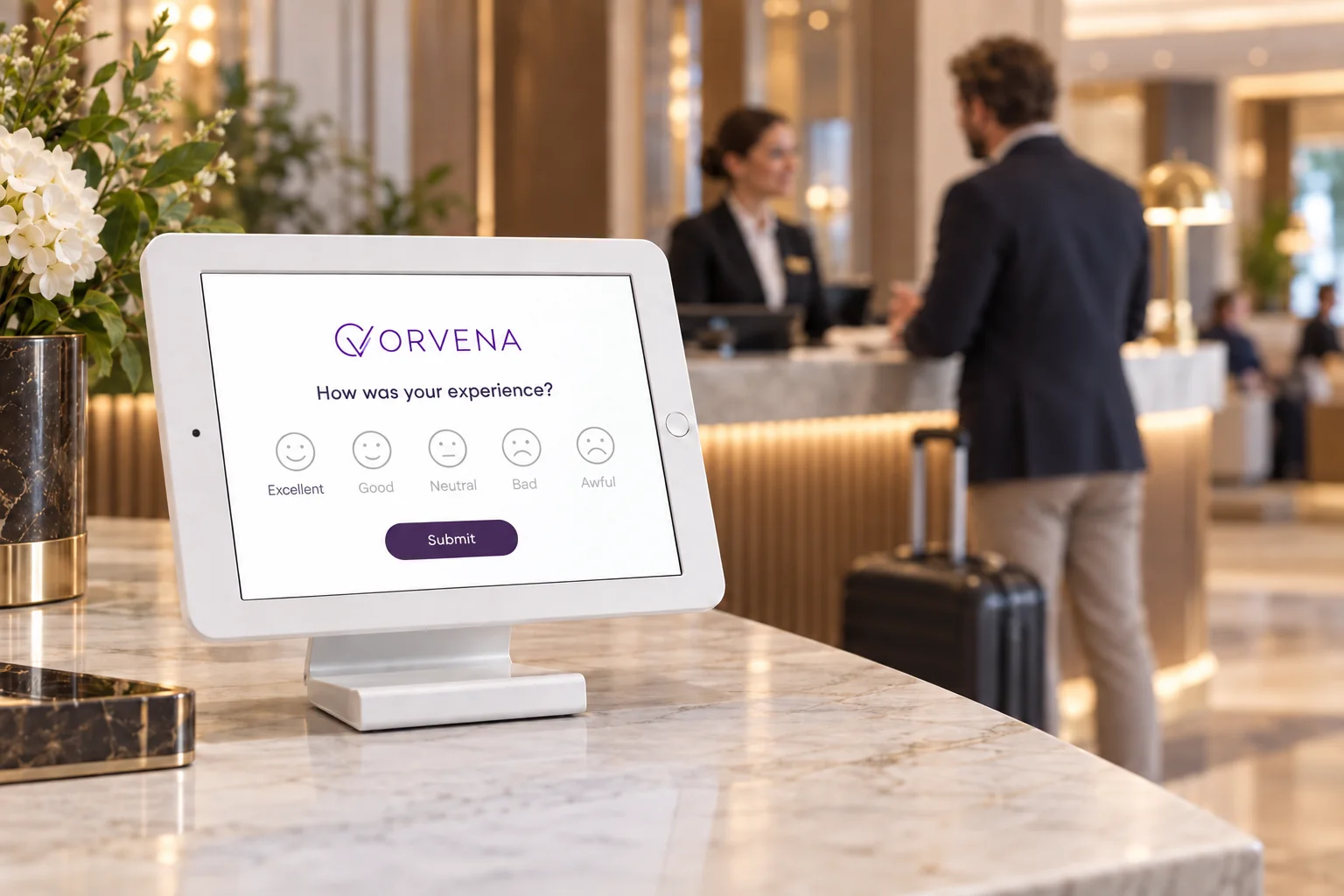
Rate check-in while the guest is still at the desk, and let the duty manager fix a problem before it reaches the review sites.
Hospitality feedback →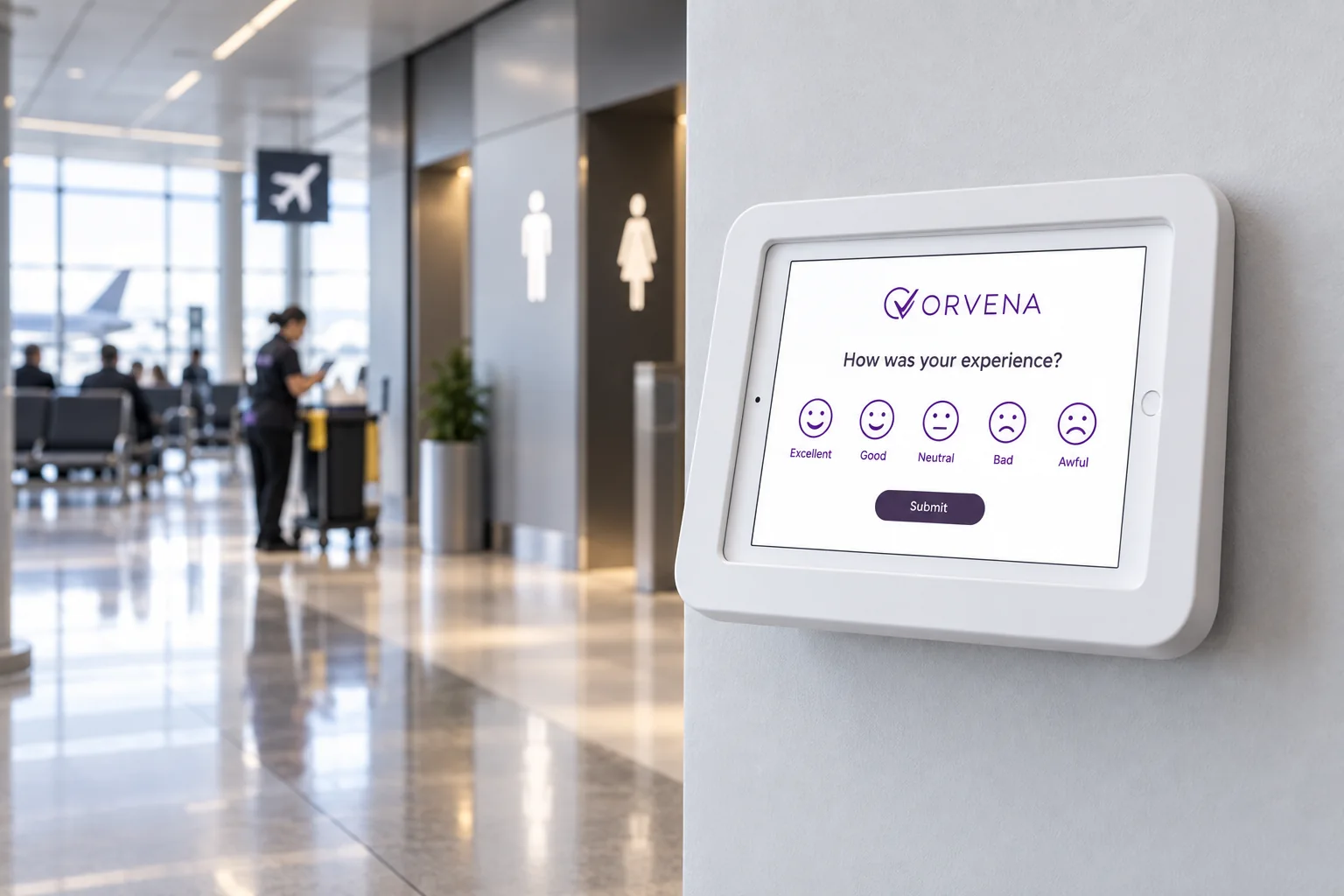
Wall-mounted smiley terminals at washroom exits and gates give passenger feedback per zone and hour, around the clock.
Airport feedback →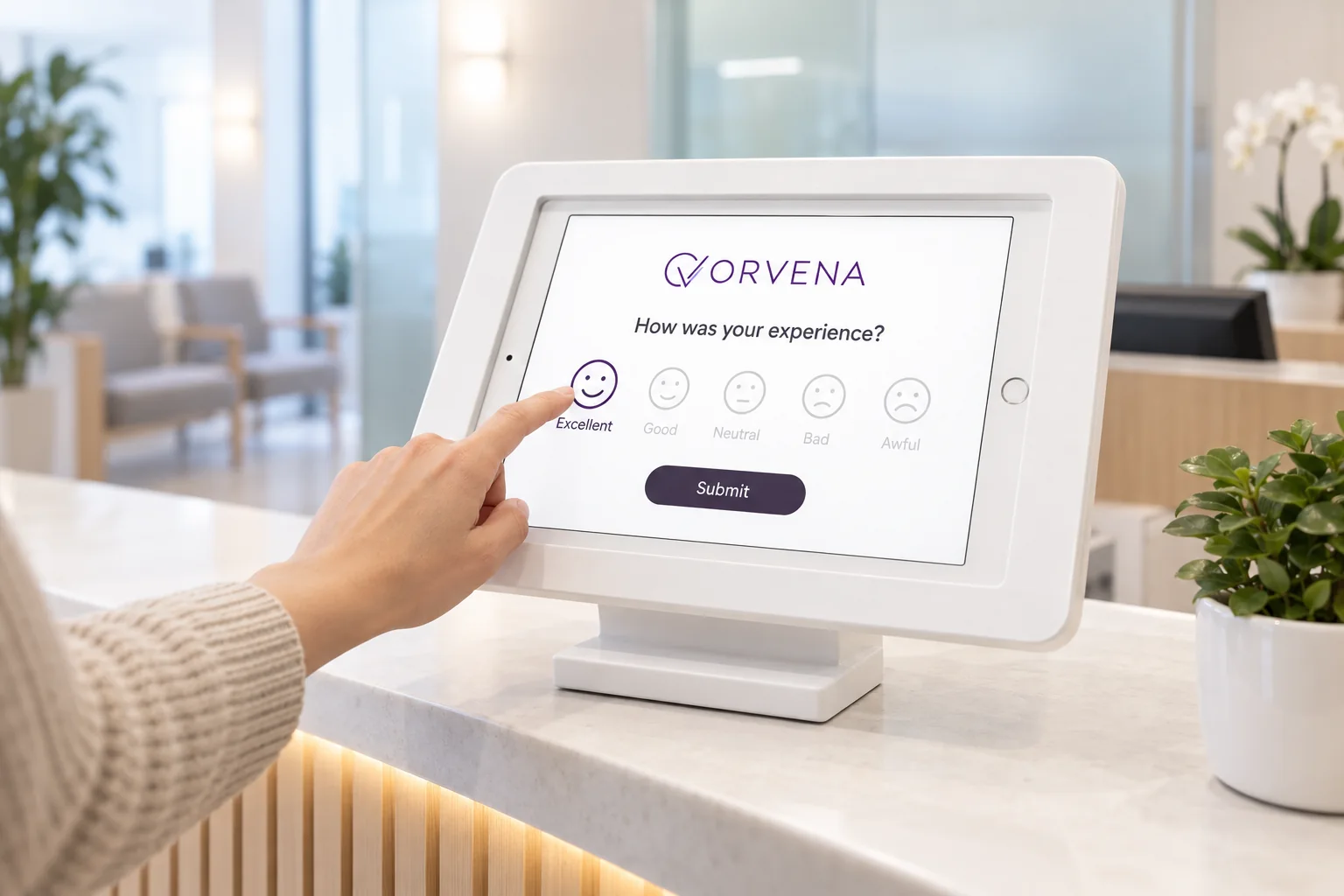
An anonymous tap after registration or discharge hears from patients who would never fill in a questionnaire.
Patient feedback →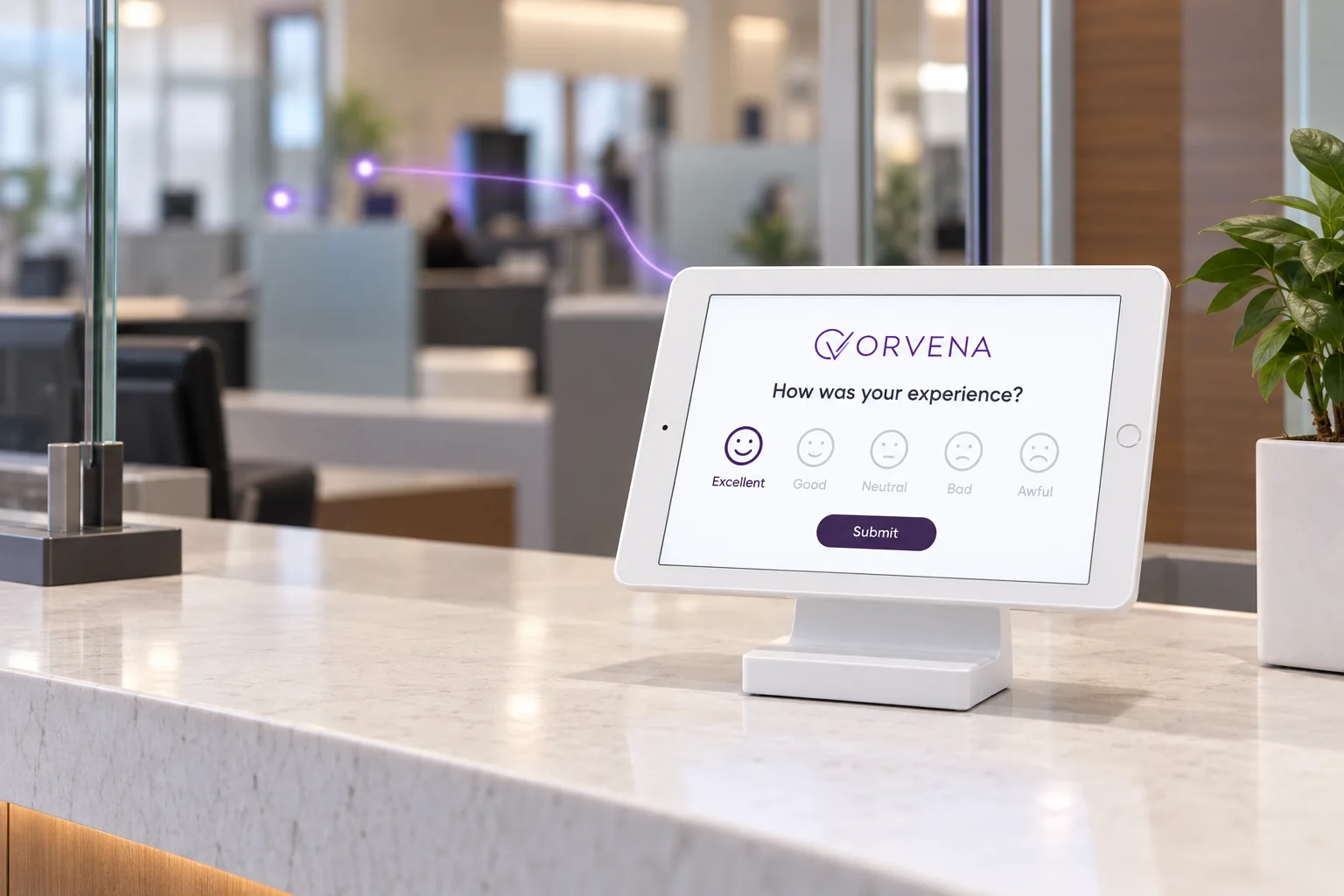
A small tablet facing the customer at each teller desk scores the desk, the service and the hour, and routes complaints with an SLA.
Bank branch feedback →Product facts, not promises. Everything here is in the platform today.
Restarts after every answer; the timeout is yours to set.
Keeps collecting without Wi-Fi and syncs when back online.
Status, battery and today's feedback for every kiosk.
Ask why only after a low tap — comment, voice or video.
AI translation; the customer picks the language.
Compare locations, services and hour slots.
Low ratings become tickets with SLA and escalation.
Kiosk, QR, SMS, email and web on one template.
A Device License per kiosk, listed on one page.
Three ways to collect on-site feedback, and where each one usually stops.
| Qmeter feedback kiosk | Typical alternatives | |
|---|---|---|
| Hardware | Any tablet with a browser; the Qmeter device app adds offline mode and monitoring | Dedicated smiley terminals are usually sold as proprietary hardware; survey tools assume the customer's own phone |
| Depth of the question | Smiley or stars, then a conditional follow-up, comment, voice or video | Smiley terminals typically stop at the face; survey tools can go deep but rarely fit a two-second tap |
| What happens after a low rating | A ticket with SLA timers, assignee, escalation and an audit trail | Often an alert email or a dashboard dip, with the follow-up tracked elsewhere |
| Other channels | QR, SMS, email, web embed and pop-up on the same templates and dashboard | Terminal vendors often need a second tool for digital channels; survey tools rarely offer kiosk mode with device monitoring |
| Pricing | Public price list: Device License per kiosk plus a Feedback Responses plan | Quotes on request are common in the terminal category |
General observations about product categories, not claims about any named vendor; check each product's current documentation. For a one-to-one comparison see the HappyOrNot alternative page.
One cited finding, then your own numbers. Move the sliders; every figure comes from your inputs.
PwC found that almost a third of customers (32%) say they would walk away from a brand they love after just one bad experience.
PwC, Experience is Everything (2018)A kiosk at the exit is the one channel that catches that experience while the customer is still in the building, before the review site does.
Sizes your plan; plans are billed by responses per year.
Bad and awful taps, plus the customers who leave without saying anything.
What one regular customer is worth to you over a year.
Example: if you save 10 out of every 100 you catch, set 10%.
protected per year, after Qmeter's cost
An estimate computed from your own inputs — not a guarantee or forecast of results. Adjust the sliders to match your numbers.
Ratings arrive by hour and by device, so the 18:00 checkout problem shows up the same evening rather than in a monthly average that hides it.
Every low tap is already a ticket with an owner and a deadline. Managers stop reconstructing what happened and start replying.
Qmeter's list prices are on one page: a Device License per kiosk, a Feedback Responses plan billed on responses, and custom Enterprise agreements for large fleets or on-premise. Set that against the value of one regular customer you keep.
A tap on a smiley needs no personal data. When a survey does collect it, the platform treats it as a liability to protect.
The kiosk rating is anonymous. Customer fields are optional components you add only when you need them.
Email and phone are masked in the interface; revealing them needs a permission and writes an audit event.
Deletion requests and retention-based anonymisation are built into the platform, not bolted on.
Data cannot leave your infrastructure? Enterprise deployments can run Qmeter on your own servers with the same feature set.
The full data-protection picture, including masking, deletion flows, retention and deployment options, is on the security & GDPR page.
A feedback kiosk is a tablet or terminal placed where the experience happens (checkout, reception, washroom exit, gate) that asks one short question and records the answer against that location and time. In Qmeter the kiosk runs the same survey template as your QR codes, SMS and web surveys, and every answer lands on the same dashboard.
Kiosks at the exit, QR on receipts, store-vs-store comparison and the retail ROI calculator.
→Smiley terminals at washrooms and gates, ASQ-aligned measurement and closed-loop cleaning dispatch.
→A hedged, one-to-one comparison for teams evaluating smiley terminals.
→SLA formulas, escalation chains, root-cause analytics and the audit trail, in full detail.
→The satisfaction score behind the smileys: scales, per-service CSAT and trend reporting.
→When to use a kiosk, a QR code, SMS or email, and how to combine them.
→Start a 14-day free trial. Build the survey, switch a tablet to kiosk mode and see the first ratings on the dashboard today.