Offline surveys

Offline survey app for kiosks, tablets and field teams

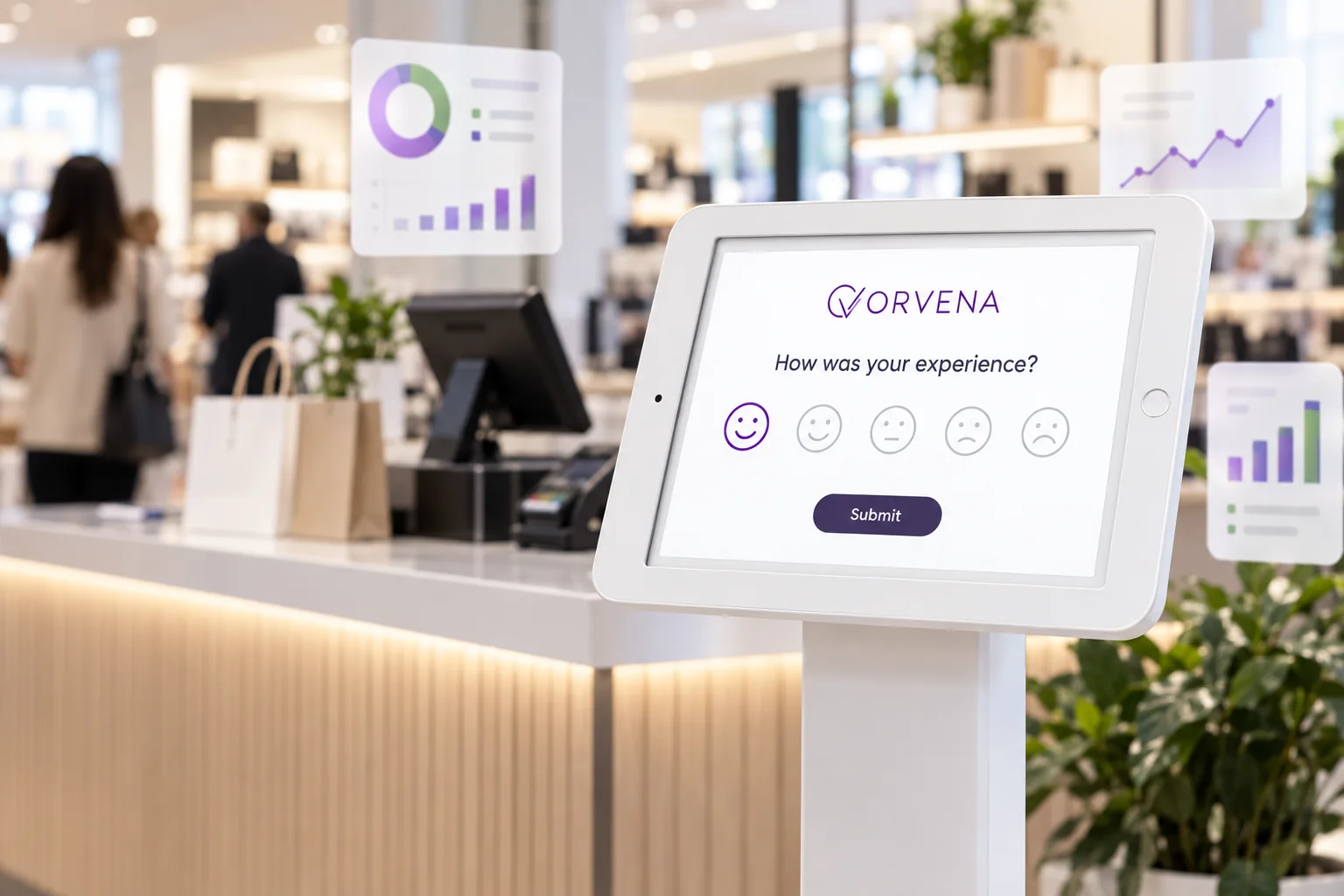
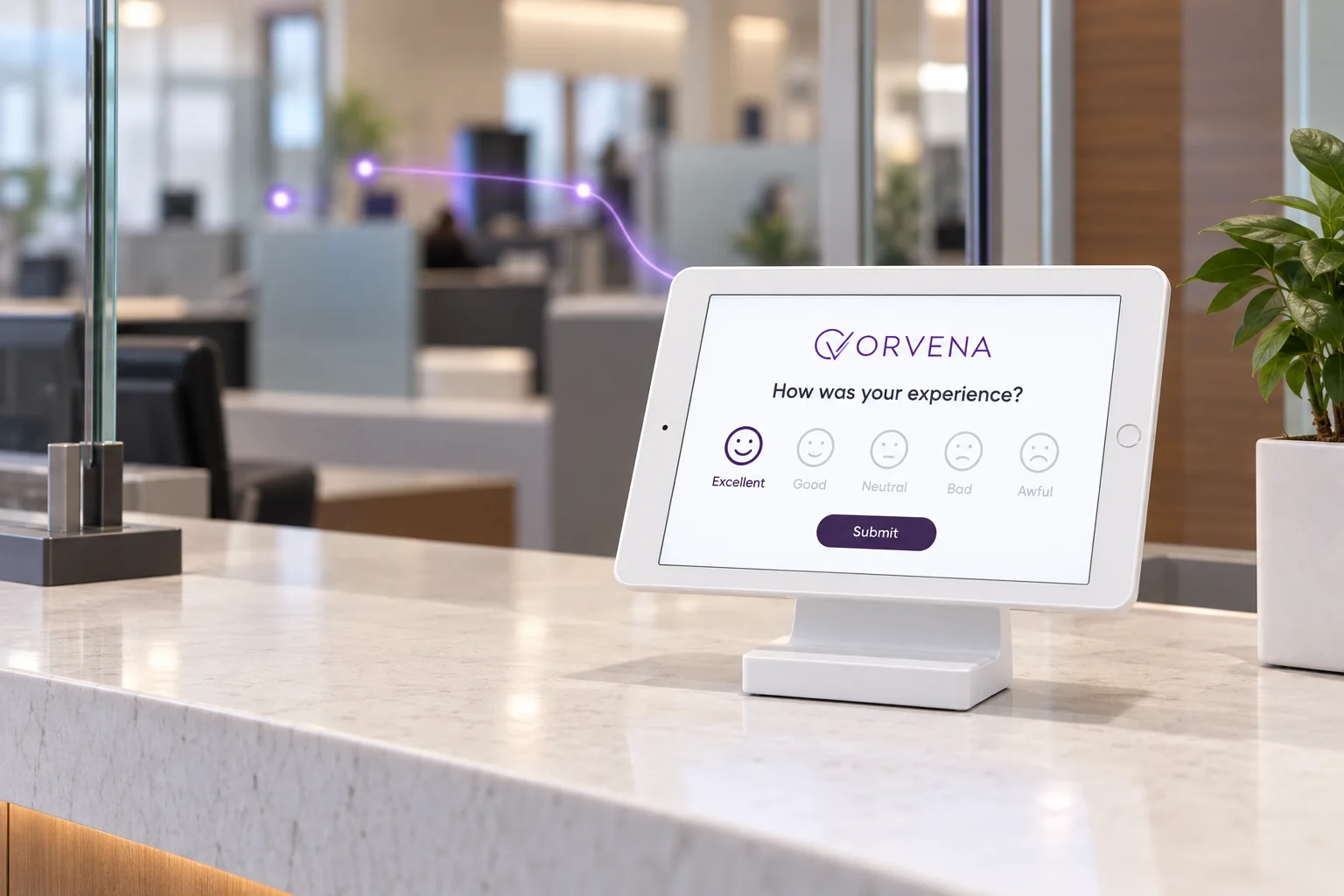
Qmeter is an offline survey app for tablets and feedback kiosks: when the Wi-Fi drops, the device keeps asking the question, stores every answer on the tablet and uploads them the moment the connection returns. Nothing is lost, and the dashboard shows which devices are online, offline or low on battery.

Built for places where the network is never certain: terminals, basements, clinics, trade fairs and field visits. One survey template runs on the kiosk, on QR codes, SMS and the web.

See pricing

20 minutes on your own locations. No preparation needed.

1000+companies use Qmeter
2M+feedbacks collected
17+years in customer experience
Operations manager and a floor colleague walking through a busy venue, tablet in hand
Definition

What is an offline survey app?

An offline survey app collects answers on a tablet or phone without an internet connection, keeps them on the device and uploads them when the network is back.

  • No lost answers: the survey keeps running during an outage.
  • Automatic sync: no export, no manual upload.
  • Visible fleet: you see which device is offline and since when.

How kiosks and terminals fit into a feedback programme: what is a feedback terminal.

Patient feedback kiosk in a clinic reception
Fit check

Is Qmeter the right offline survey app for you?

An honest answer before you book a call.

A strong fit when

  • Your kiosks stand where Wi-Fi is weak: terminals, basements, warehouses, hospital wings, outdoor sites.
  • You cannot afford to lose answers during an outage or a network change.
  • You run many devices and need to know which one is silent, offline or low on battery.
  • The same survey must also run on QR codes, SMS and the web.
Not the right tool when

  • You need long research questionnaires completed over several days without any connection. Qmeter is built for short feedback at the point of experience.
  • You need a general offline forms tool for inspections or inventory rather than customer feedback.
How it works

From a tap during an outage to a synced dashboard

Four steps, one platform. The screens below are the live product on a demo account.

01

Build the survey once

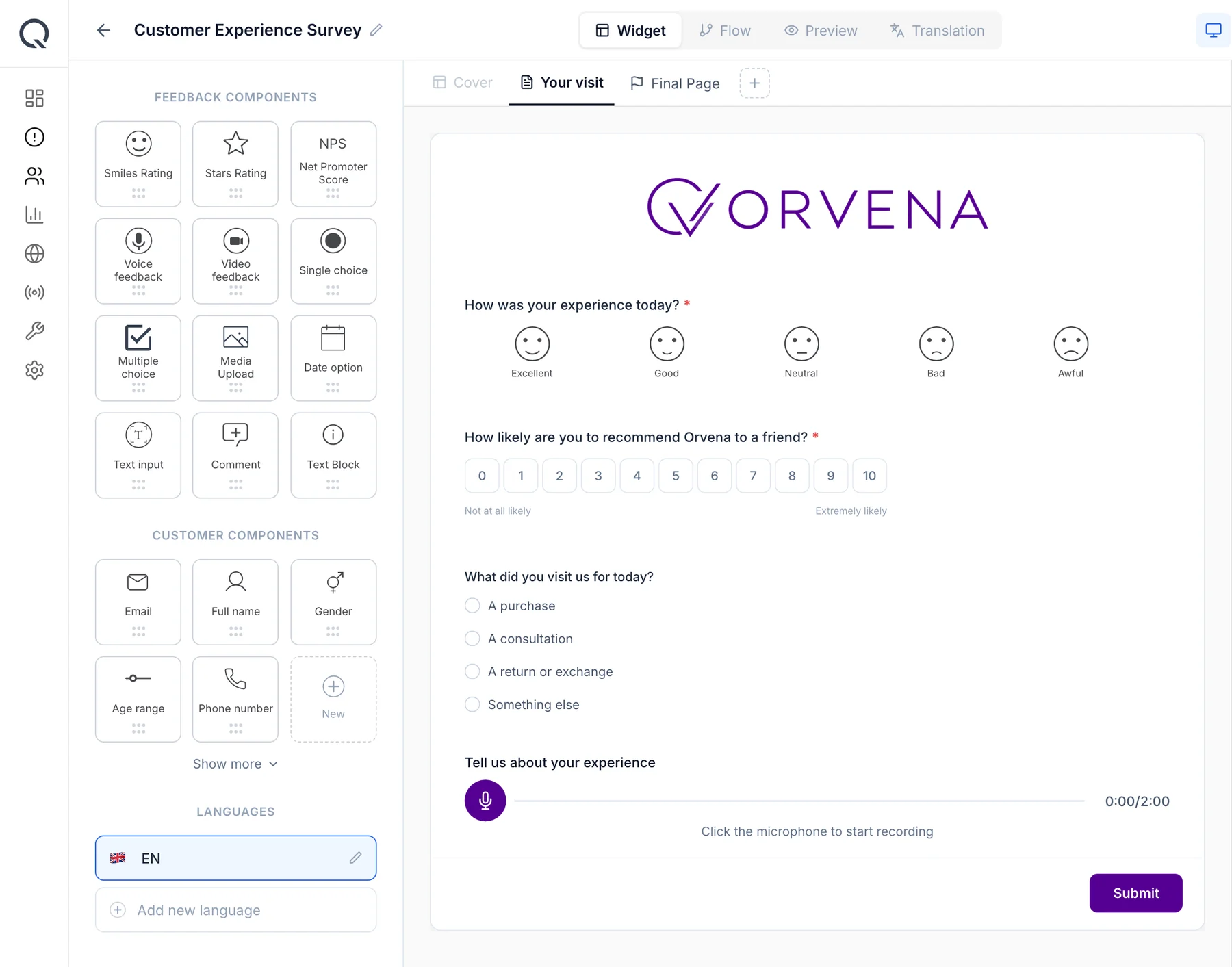
Drag a smiley, star or NPS question onto the canvas and add a follow-up that appears only after a low rating. The same template runs on tablets, QR codes, SMS and the web.

Qmeter survey builder: ORVENA logo, a smiley question, the NPS scale, a single-choice question and voice feedback
02

Install the device app and switch to kiosk mode

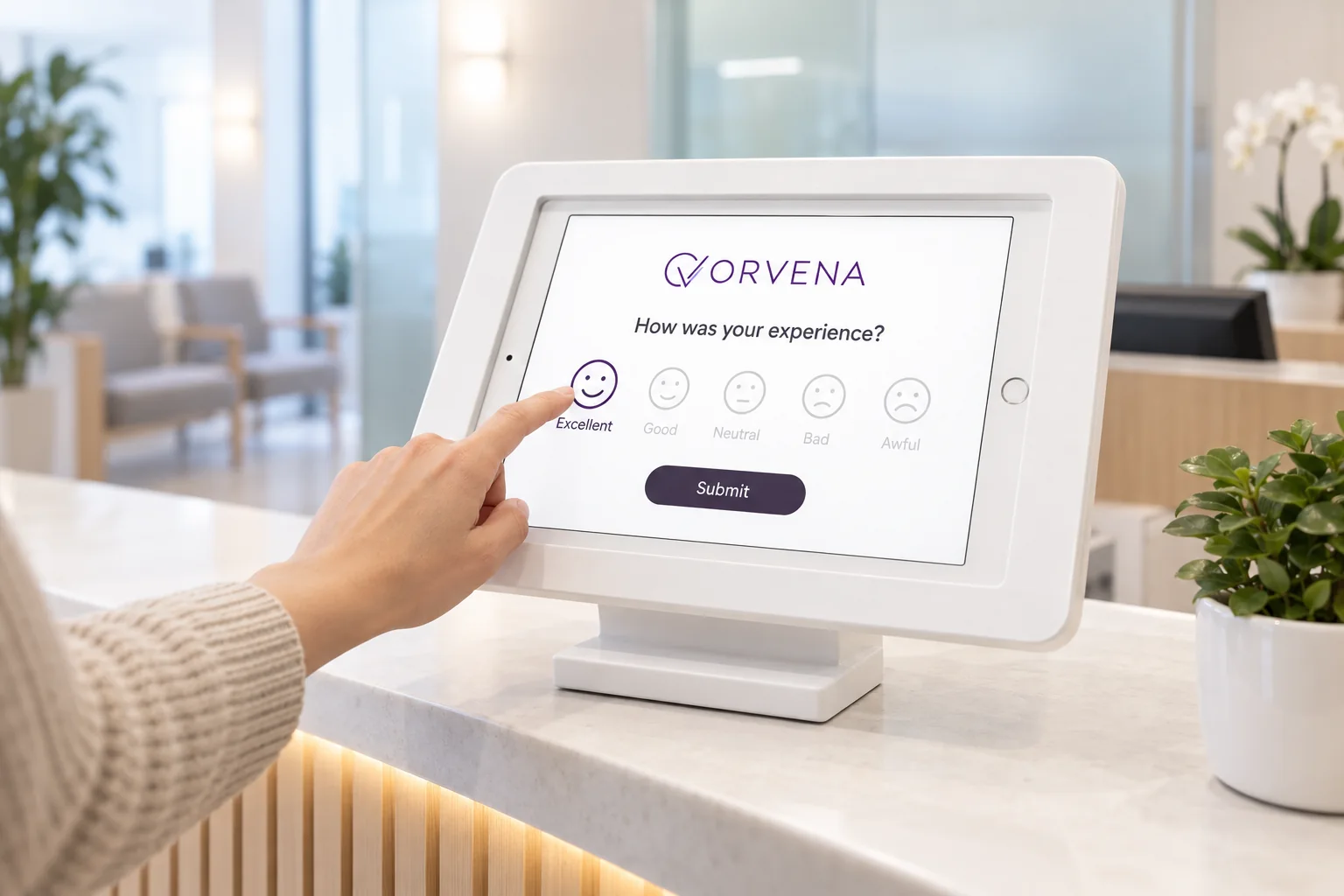
Create a device account, assign it to a branch and a template, and sign in on any tablet. Kiosk mode resets after every answer, and the Qmeter device app keeps collecting when the connection drops.

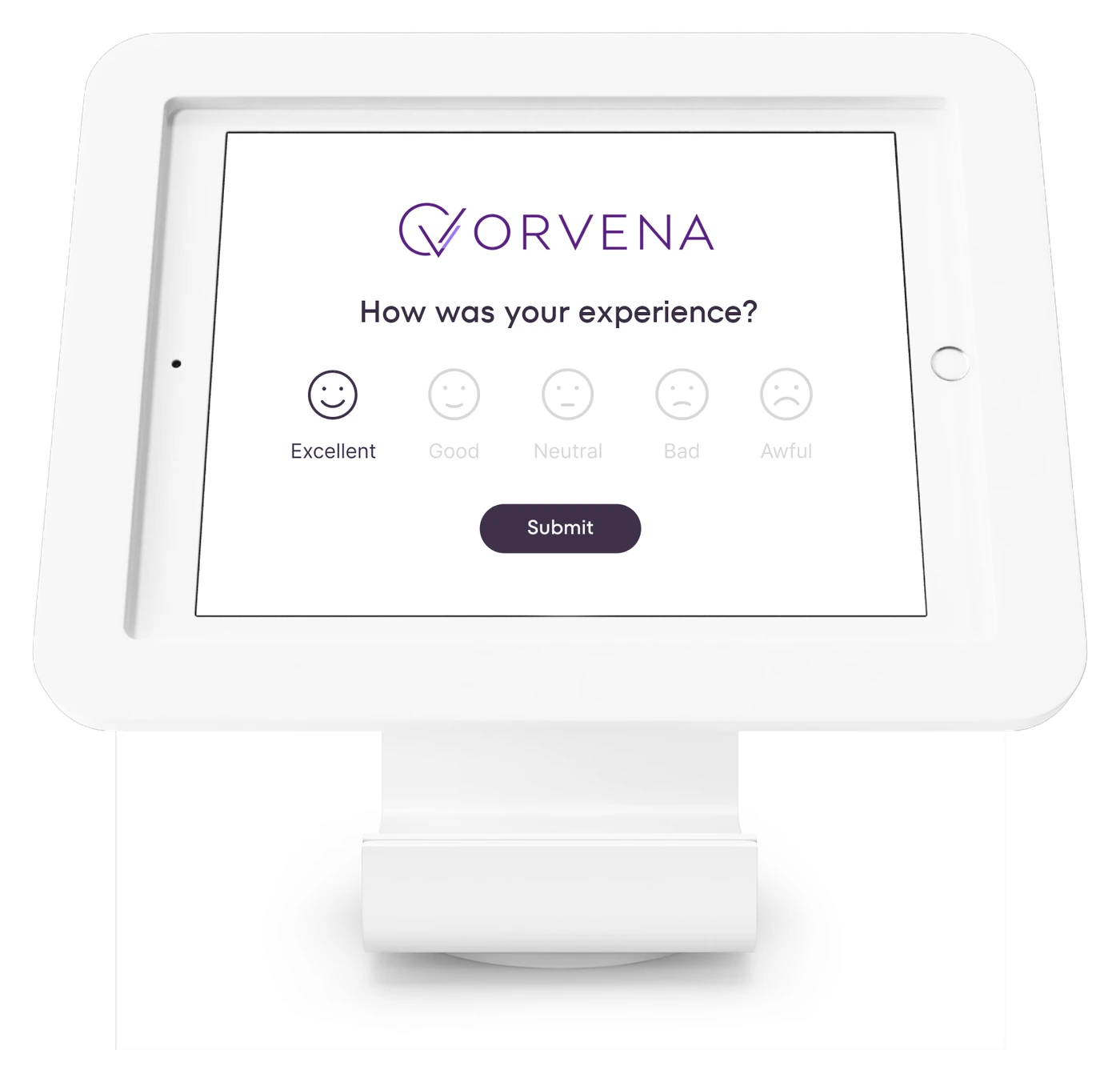
Qmeter feedback kiosk with the ORVENA survey: logo, one smiley question, submit
03

Answers wait on the device, then sync

During an outage every answer is stored on the tablet. When the network returns the app uploads them in order, with the original time and device, so hourly reports stay correct.

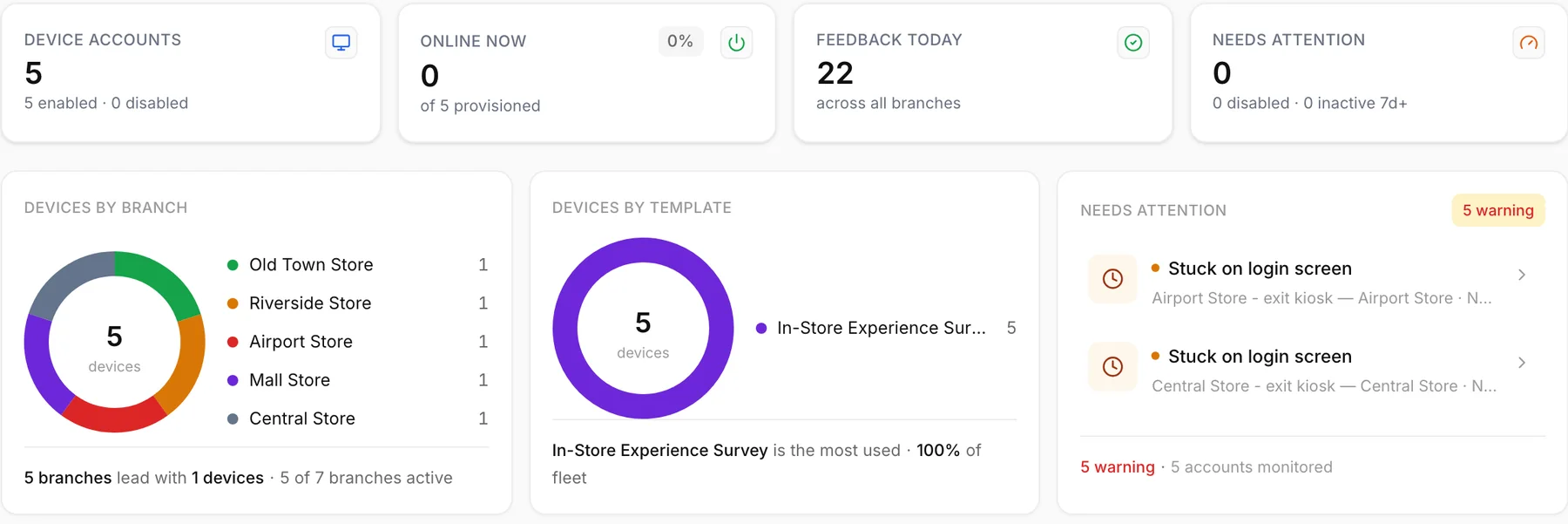
Qmeter kiosk fleet monitoring: devices by branch and template, devices needing attention
04

See the whole fleet

The device list shows online, offline, logged out and never seen, plus Wi-Fi offline, low battery and low connectivity warnings. A silent device is noticed the same day, not after a week of missing ratings.

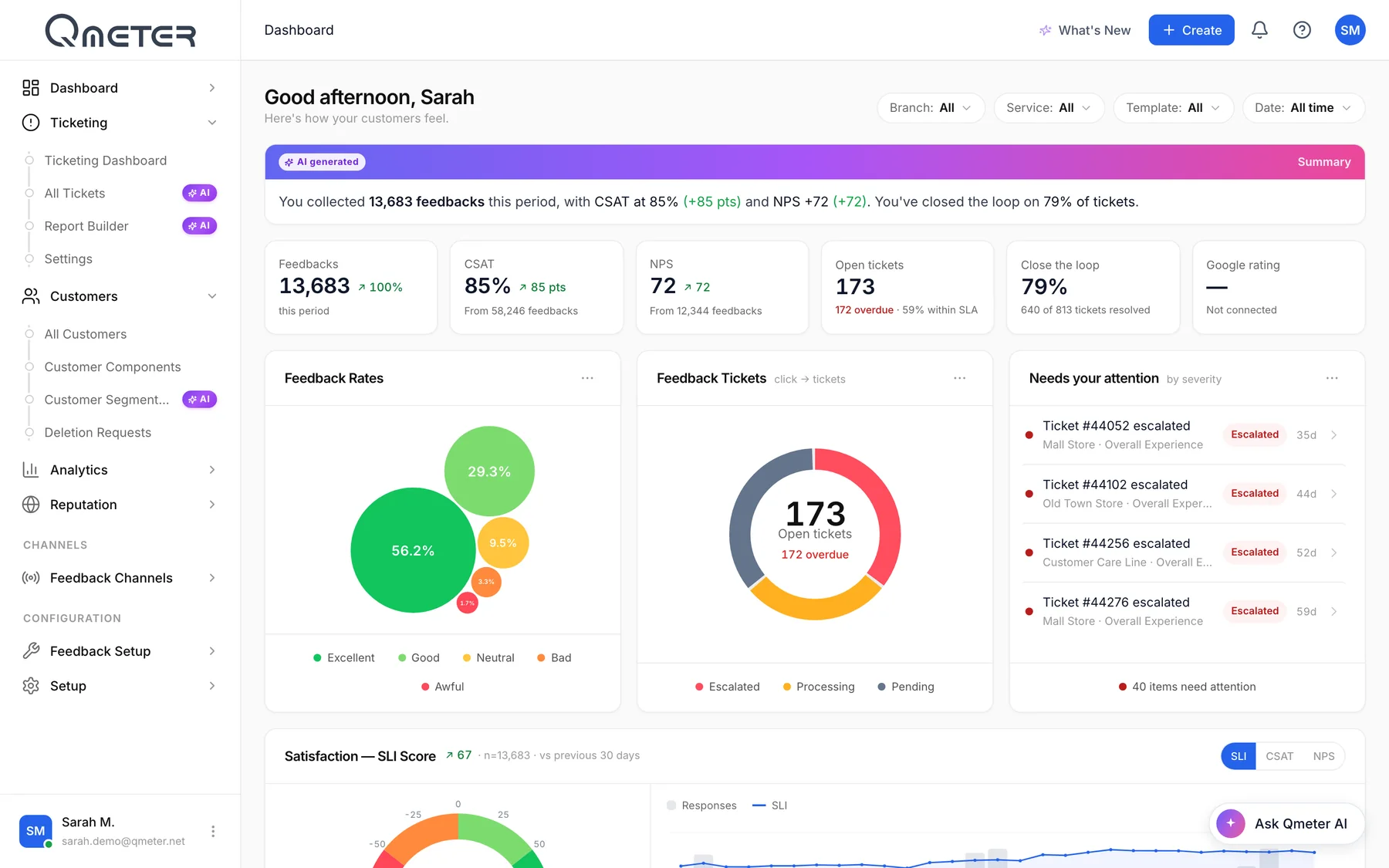
Qmeter dashboard: AI summary, CSAT 85%, NPS +72, open tickets, feedback rates and tickets needing attention

Dashboard and ticket screens are the live Qmeter product on a demo account with illustrative data; survey screens show a sample client brand.

Where it runs

Where the network is never certain

Four places where an offline survey app earns its keep.

What is included

What the offline survey app does

Product facts, not promises. Everything here is in the platform today.

Offline capture

Answers are stored on the device while the connection is down.

Automatic sync

Stored answers upload when the network returns, with the original time.

Kiosk mode

Resets after every answer; the timeout is yours to set.

Learn more →

Device monitoring

Online, offline, logged out, never seen, plus battery and connectivity warnings.

Any tablet

Runs on the iPads and Android tablets you already own.

100+ languages

The customer picks the language on the screen.

Learn more →

Follow-up questions

Ask why only after a low rating: comment, voice or video.

Closed-loop tickets

Low ratings become tickets with SLA timers once they sync.

Learn more →

On-premise option

Run the whole platform on your own servers.

Learn more →
How it compares

Offline survey app, online form or paper?

Three ways to collect answers where the network is weak, and where each one usually stops.

QmeterTypical alternatives
During an outageKeeps collecting; answers wait on the deviceOnline forms show an error or a spinner; paper keeps collecting but needs typing up later
Getting the data backAutomatic upload with the original time and deviceManual export or data entry; timestamps often lost
Knowing a device is downDevice list with offline, battery and connectivity warningsUsually discovered when a week of data is missing
Other channelsQR, SMS, email and web on the same template and dashboardOffline tools are often device-only; a second tool for digital channels
HardwareStandard tabletsProprietary terminals are common in the kiosk category

General observations about product categories, not claims about any named vendor; check each product's current documentation.

Data protection

Stored safely, even on the device

A tap on a smiley needs no personal data. When a survey collects more, the platform treats it as a liability to protect.

Anonymous by default

Kiosk ratings carry no personal data; contact fields are optional.

Device accounts

Each tablet signs in with its own account and sees only its assigned template.

Masking and audit

Email and phone are masked; revealing them needs a permission and is logged.

On-premise option

Enterprise deployments can run Qmeter on your own servers with the same features.

The full data-protection picture, including masking, deletion flows, retention and deployment options, is on the security & GDPR page.

FAQ

Offline surveys, answered

Short, honest answers. For anything else, talk to our team.

What is an offline survey app?›

An offline survey app lets a tablet or phone collect survey answers without an internet connection. The answers are stored on the device and uploaded automatically when the connection returns. Qmeter does this through its device app, which also runs kiosk mode and reports the status of every device.

Keep exploring

Where to go deeper

Get started

Keep collecting when the network does not

Show us where your tablets stand and we will walk you through offline capture, sync and device monitoring on your own locations, in 20 minutes.

See pricing