Retail Customer Feedback: 30 Survey Questions & Template

Retail customer feedback is most useful when each question is tied to one touchpoint — the store visit, the checkout, the staff, the online order, the return — and asked right after it happens. Below are 30 survey questions grouped that way, plus a short template you can run on a kiosk, a QR code or an SMS link today.
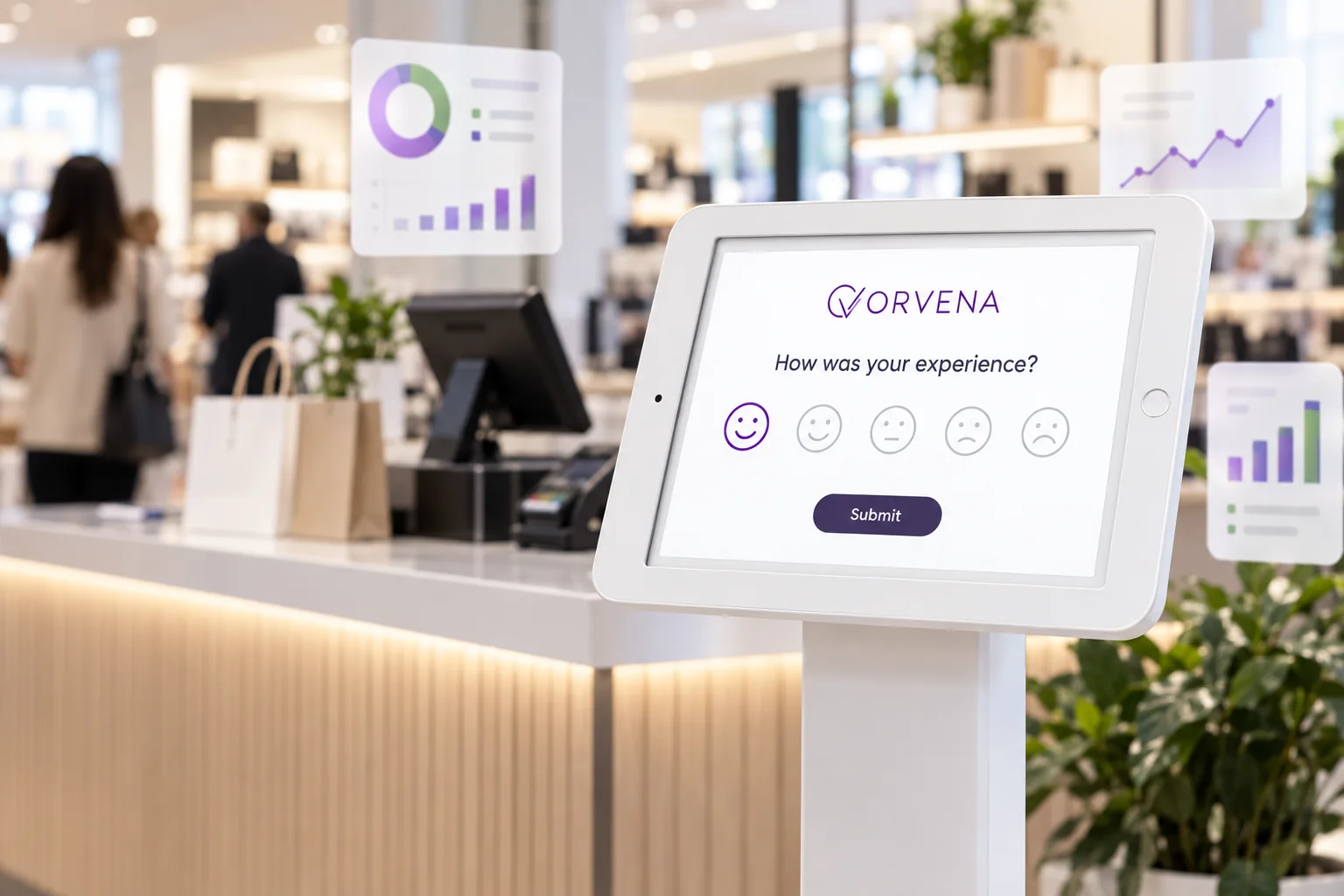
Never ask all 30. Pick one headline question, one reason question for low scores and one open comment, then rotate a single operational question each month. Three or four questions, under a minute, identical in every store — that is a retail survey people answer and managers can compare.
Why retail feedback needs touchpoint questions
A single “How satisfied are you with our brand?” survey tells a retail chain very little. Satisfaction is won or lost at specific moments — finding the product, the queue at the till, the answer from a team member, the parcel that arrived late — and each moment has a different owner. When a question is tied to a touchpoint and a store, a low score points to someone who can act; when it is not, it becomes an average nobody owns.
PwC found that almost a third of customers (32%) say they would walk away from a brand they love after just one bad experience.
Touchpoint questions are how a chain finds that one bad experience in the week it happens, store by store, instead of in next quarter’s sales figures.
Overall visit (questions 1–5)
- “How was your visit today?” — five-face smiley. The one-tap headline question for kiosks and QR codes.
- “How satisfied are you with your shopping experience today?” — 1–5 scale; the classic CSAT question.
- “How likely are you to recommend us to a friend or colleague?” — 0–10; the NPS question, best sent by SMS or email after the visit.
- “Did you find everything you were looking for today?” — yes / partly / no. A direct read on lost sales that no till report shows.
- “What was the main reason for your rating?” — single choice (queue, staff, availability, price, cleanliness, other), shown only after a low rating.
Products and store environment (questions 6–10)
- “How easy was it to find the products you wanted?” — 1–5 scale.
- “How would you rate the availability of the products you came for?” — 1–5 scale.
- “How clean and tidy was the store today?” — five-face smiley.
- “How clear were prices and promotions on the shelves?” — 1–5 scale.
- “How comfortable was the store to shop in — space, lighting, temperature?” — 1–5 scale with an optional comment.
Staff and service (questions 11–15)
- “Was a team member available when you needed help?” — yes / no / I didn’t need help.
- “How helpful was our team today?” — five-face smiley.
- “How knowledgeable was the person who helped you?” — 1–5 scale.
- “Were you greeted when you arrived?” — yes / no; a simple check on a service standard.
- “Is there a team member you would like to thank?” — optional text; it feeds recognition, not just complaints.
Checkout and payment (questions 16–20)
- “How would you rate the waiting time at the checkout?” — five-face smiley; read it by hour to find the problem slot.
- “How friendly and efficient was the cashier?” — 1–5 scale.
- “How easy was the self-checkout to use?” — 1–5 scale, only in stores that have one.
- “Could you pay the way you wanted to?” — yes / no.
- “Did the price at the till match the price on the shelf?” — yes / no.
Online orders, delivery and click-and-collect (questions 21–25)
- “How easy was it to place your order?” — 1–5 scale, asked on the order confirmation page.
- “Did your order arrive on the promised date?” — yes / no.
- “Was everything in your order correct and undamaged?” — yes / no, with an optional photo when the answer is no.
- “How smooth was collecting your order in store?” — 1–5 scale, for click-and-collect.
- “How would you rate the delivery overall?” — five-face smiley, sent by SMS on delivery day.
Returns, loyalty and open feedback (questions 26–30)
- “How easy was it to return or exchange your item?” — 1–5 scale.
- “How likely are you to shop with us again?” — 1–5 scale.
- “How well does our loyalty programme reward you?” — 1–5 scale, for members only.
- “What is one thing we should change?” — open text; often the richest answer in the whole survey.
- “May we contact you about your feedback?” — optional contact fields, only for customers who want a reply.
A ready-to-use retail survey template
This template fits a kiosk, a QR code or an SMS link. It takes under a minute and gives every store the same comparable core.
| Screen | Question | Type | Shown when |
|---|---|---|---|
| 1 | How was your visit today? (Q1) | Five-face smiley | Always |
| 2 | What was the main reason for your rating? (Q5) | Single choice | After the two lowest faces |
| 3 | This month’s operational question, e.g. checkout waiting time (Q16) | Five-face smiley | Always; rotate monthly |
| 4 | What is one thing we should change? (Q29) | Optional comment | Always |
| 5 | May we contact you about your feedback? (Q30) | Optional contact fields | After a low rating |
For the relationship view, send Q3 by SMS or email a day after purchase to customers who have opted in, and track it separately from the in-store score. Question order and scales are covered in more depth in how to set up the perfect customer feedback survey template, and question sets for other industries are in the best customer feedback survey questions.
Which channel for which question
- Kiosk at the exit or the till — Q1, Q5 and one rotating operational question: one tap first, a reason only when needed. See feedback kiosks for stores.
- QR code on the receipt or the shelf — the same core plus Q29, for shoppers who want to say more; see QR code feedback.
- SMS or email after purchase or delivery — Q3, Q21–Q25 and Q26–Q28 for online and loyalty customers.
- Web pop-up after an online checkout — Q21 on the confirmation page, while the order is fresh.
Turning answers into store improvements
Collecting is the easy part. Three habits separate chains that improve from chains that only report. Compare stores on the same question every week, so the store that started sliding is visible before the month ends. Read every score by hour, because a checkout problem usually lives in one time slot. And route every low score that comes with a contact request to the store manager, with a response deadline — the method is laid out in the closed-loop feedback guide.
How Qmeter runs retail feedback
Qmeter collects shopper feedback on kiosks at the exit, QR codes on receipts, SMS after delivery and web surveys after online orders — all from one template, so every store and channel is comparable. The builder offers smiley, star and NPS questions, conditional follow-ups and photo, voice or video answers; results update in real time by store, service and hour, and low scores open tickets for the store manager with SLA timers. The retail setup, including store-versus-store comparison, is on the retail customer feedback solution page, and the survey tooling on the customer satisfaction survey software page.
Frequently asked questions
What questions should a retail customer feedback survey include?
One headline question (satisfaction on a smiley or 1–5 scale, or the 0–10 recommendation question), one reason question shown only after a low score, and one optional open comment. Add a single rotating operational question — checkout wait, product availability, cleanliness — to give store managers a specific target each month.
How many questions should a retail survey have?
Three to five for in-store channels, taking under a minute. A kiosk at the exit should open with a single one-tap question. Longer surveys only work by email after a purchase, and even there completion tends to drop as the survey grows.
When should retailers ask for feedback?
As close to the moment as possible: at the exit or the till for store visits, on the order confirmation page for online purchases, and by SMS on the day of delivery or collection. Feedback requested days later is vaguer and tends to come from customers with extreme experiences.
Should a retail survey use CSAT or NPS?
Both, for different jobs. CSAT on a smiley scale measures the visit that just happened and suits kiosks and QR codes; NPS measures the relationship and suits SMS or email a day later. The NPS vs CSAT vs CES guide explains the trade-offs.
How do I compare customer feedback across stores fairly?
Ask the same core questions in the same order in every store, tag every answer with store, channel and hour, and compare trends rather than single weeks. Read a store with few responses over a longer period before drawing conclusions.
What should retail customer feedback software do?
Collect on the channels shoppers actually use — kiosk, QR, SMS, email and web — from one template; compare stores in real time; route low scores to store managers with deadlines; and analyse open comments across the whole chain. Predictable pricing matters too, because costs grow with the number of stores.
See Qmeter in action
Collect, analyse and act on customer feedback — powered by AI.