Transactional survey
✓ Cloud or on-premise · ✓ Kiosk, QR, SMS, email and web · ✓ Live in one day
A transactional survey is a short survey sent immediately after a specific interaction — a purchase, a support call, a delivery or a branch visit — that asks about that event only. Because it is tied to a time, a place and often a team, it produces precise, actionable feedback, and negative answers can be followed up quickly.
What a transactional survey is
A transaction, in survey language, is any single interaction: opening an account, checking into a hotel, collecting a prescription, calling the helpdesk. A transactional survey measures how that one interaction went. It is the opposite of a relational survey, which asks about the overall relationship at regular intervals, independent of any particular event.
Transactional surveys are also called “touchpoint surveys” or “event-triggered surveys”, because they are launched by the event itself — a checkout, a closed ticket, a completed appointment — rather than by a calendar.
When and how to send transactional surveys
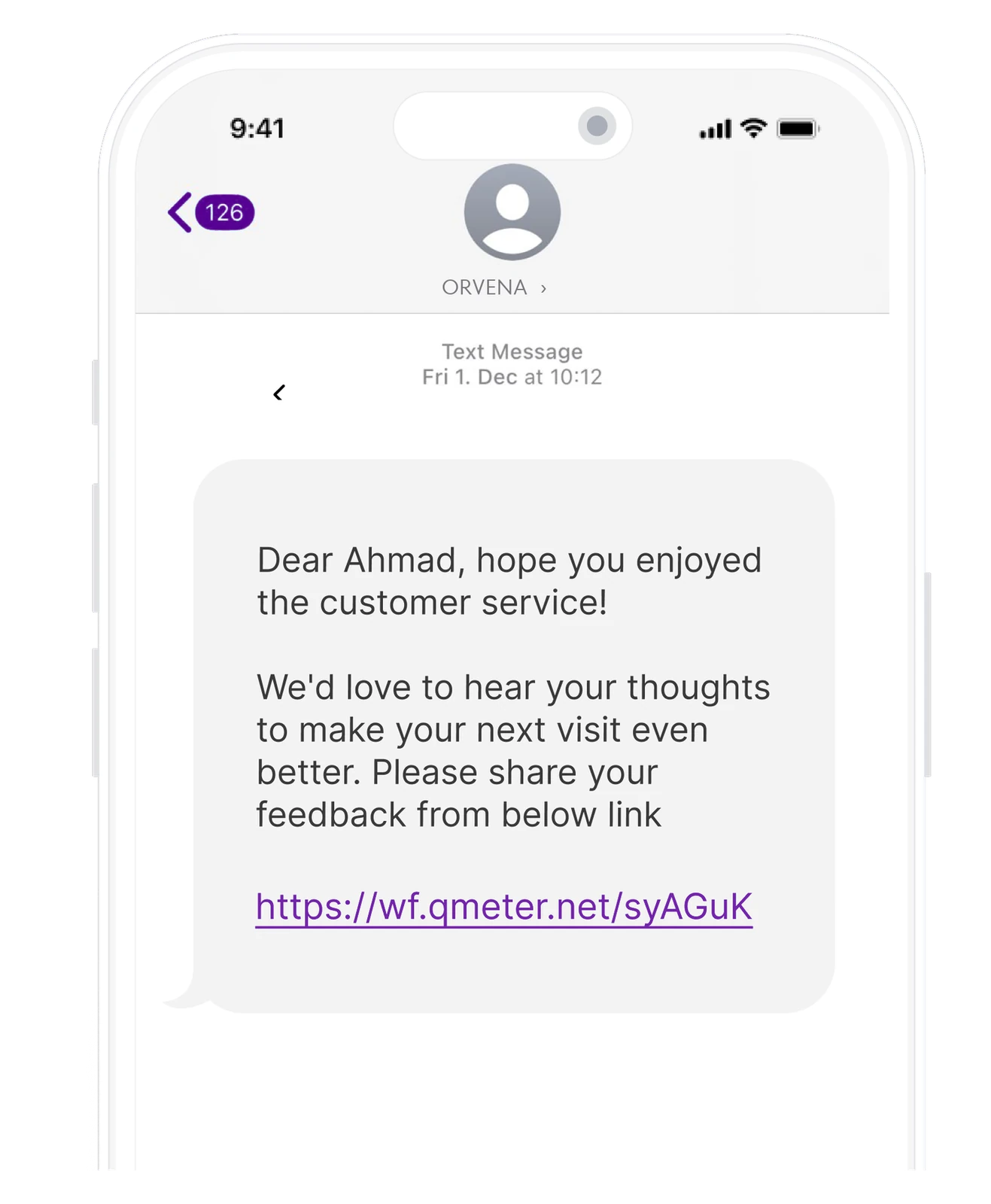
Immediacy is the whole design. Memory of a single interaction fades within days, and so does the chance to recover a bad one. Match the channel to the touchpoint:
| Interaction | Channel | Timing |
|---|---|---|
| Branch, store or clinic visit | Kiosk or tablet at the exit; QR code at the desk | At the moment the visit ends |
| Phone or remote service | SMS or email | Within an hour or two |
| Delivery or installation | SMS with a short link | Same day |
| Online purchase or booking | Web widget or email | After the action completes |
| Support ticket resolved | When the ticket closes |
Example transactional survey questions
Keep it under a minute — typically one rating, one optional open question and, at most, one or two attribute questions:
- CSAT: “How satisfied were you with your visit today?” (five smileys or 1–5)
- CES: “How easy was it to get your issue resolved?” (1–7)
- Transactional NPS: “Based on today’s visit, how likely are you to recommend us?” (0–10)
- Attribute: “How would you rate the waiting time?”
- Open: “What is the main reason for your score?”
Reference the interaction explicitly (“today’s visit”, “your call on Monday”) so the customer answers about that event, not their general opinion. More question ideas are in our list of customer feedback survey questions.
How to measure and act on transactional feedback
- Score per branch, service, team and hour — transactional data is valuable precisely because it is this granular.
- Bottom-box share — the percentage of clearly negative answers that need follow-up.
- Response rate per channel — to spot fatigue or broken devices early.
- Time to follow-up on negative answers — the transactional survey is only half the loop.
In Qmeter, each transactional channel (kiosk, QR, web link, SMS or email campaign) is tied to a branch and a survey template, and ticket rules can turn negative ratings into tickets with SLAs automatically. Kiosks work offline and sync when the connection returns. For the concept in more depth, see what is transactional feedback.
Example
Example: a telecom operator sends an SMS survey one hour after every store visit and every closed support ticket. Over a month it collects 3,000 responses (example figure). Store CSAT is stable, but the CES score for “SIM replacement” is far below other services, and comments mention repeated identity checks. The process is shortened, and the next month’s CES for that service rises while the others stay flat.
Designing the trigger
Because a transactional survey is launched by an event, the trigger design decides who answers and when:
- Event — choose a clear, recorded moment: visit completed, ticket closed, order delivered. Avoid triggers that fire before the experience is over.
- Delay — immediate at physical locations (kiosk, QR), within an hour or two for remote service, after delivery for orders.
- Suppression — skip customers surveyed recently, especially frequent visitors, so the same person is not asked every week.
- Sampling — at very high volumes, a random share of transactions is enough for reliable scores and keeps fatigue down.
- Tagging — attach branch, service, team and channel to every response so results can be broken down without asking the customer.
Common mistakes
- Sending it days later, when the memory and the recovery window are gone.
- Making it long. A transactional survey with fifteen questions becomes a relationship survey nobody finishes.
- Surveying every transaction of frequent customers. Use suppression rules to avoid survey fatigue.
- Collecting without follow-up. Negative transactional feedback that nobody acts on teaches customers not to answer.
Frequently asked questions
What is a transactional survey?
A transactional survey is a short survey sent right after a specific interaction, such as a visit, purchase, delivery or support call, asking only about that interaction.
What is the difference between transactional and relational surveys?
A transactional survey measures one interaction and is triggered by the event. A relational survey measures the overall relationship and is sent on a schedule, such as quarterly, regardless of recent interactions.
What is transactional NPS?
Transactional NPS asks the recommendation question right after a specific interaction, often phrased as “Based on today’s visit…”. It shows how individual experiences affect loyalty, while relational NPS shows the overall trend.
How long should a transactional survey be?
Short enough to finish in under a minute: usually one rating question, one optional open question and at most one or two attribute questions.
Measure it at every location — live in one day
Feedback kiosks, QR and web surveys, SMS and email, real-time alerts and follow-up tickets in one platform. 14-day free trial.
✓ 15 minutes · ✓ No commitment · ✓ A real CX person