Answered in the moment
The rating is given seconds after the counter, not weeks later in a poll. No recall bias, no averaging across a year — this visit, this service, this hour.
A citizen feedback kiosk is a tablet or touchscreen terminal placed at the exit of a service centre, municipal office or clinic that asks every visitor one question about the visit they have just completed. Qmeter's kiosk ties each answer to the counter, the service and the time, keeps working when the network drops, and turns a bad rating into a case for the head of the centre within minutes.
Citizens rarely write to complain — most simply leave. A kiosk on the way out gives the silent majority a two-second way to be heard while the visit is still fresh.
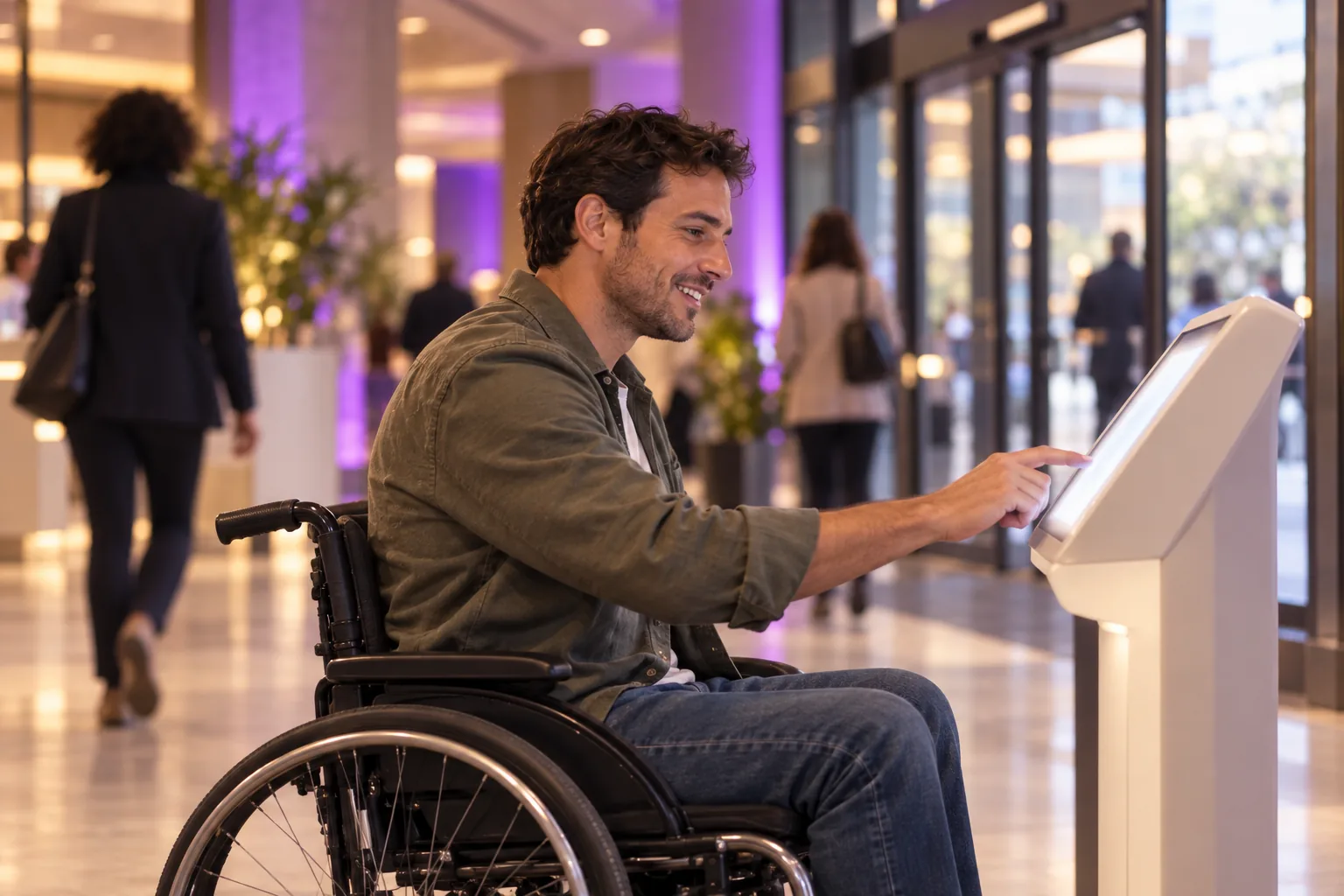
Digital surveys reach the citizens whose phone number or email you hold. A kiosk reaches everyone who walks out — including the people who would never fill in a form.
The rating is given seconds after the counter, not weeks later in a poll. No recall bias, no averaging across a year — this visit, this service, this hour.
No app, no login, no personal data. One tap on a face or a star. Research by Esteban Kolsky (thinkJar) found that only about one in 26 unhappy customers complains — a kiosk lowers the bar to zero.
Every tap carries the centre, the counter, the service and the time. That is what makes the number defensible in front of a director or an oversight body.
Three steps, no consultants. A centre is usually live the same day the tablet arrives.
Mount a tablet or floor stand at the exit, log the device into the Qmeter app and assign it to the centre and the service. Kiosk mode resets after every answer, so no visitor sees the previous one.
“How was your visit today?” with five faces. An optional follow-up asks why when the rating is bad. The survey runs in the citizen's own language — 100+ are supported.
A bad or awful tap opens a ticket for the head of the centre with an SLA timer. If nobody acts, it escalates. Every step is written to an audit trail. How complaint handling works.
The device is the visible part. The value is in the data behind it: every rating comparable across centres, services and shifts.
Most centres run both: the kiosk catches everyone leaving, the QR code at each counter captures the citizen who wants to say more on their own phone. Both feed the same survey and the same dashboard.
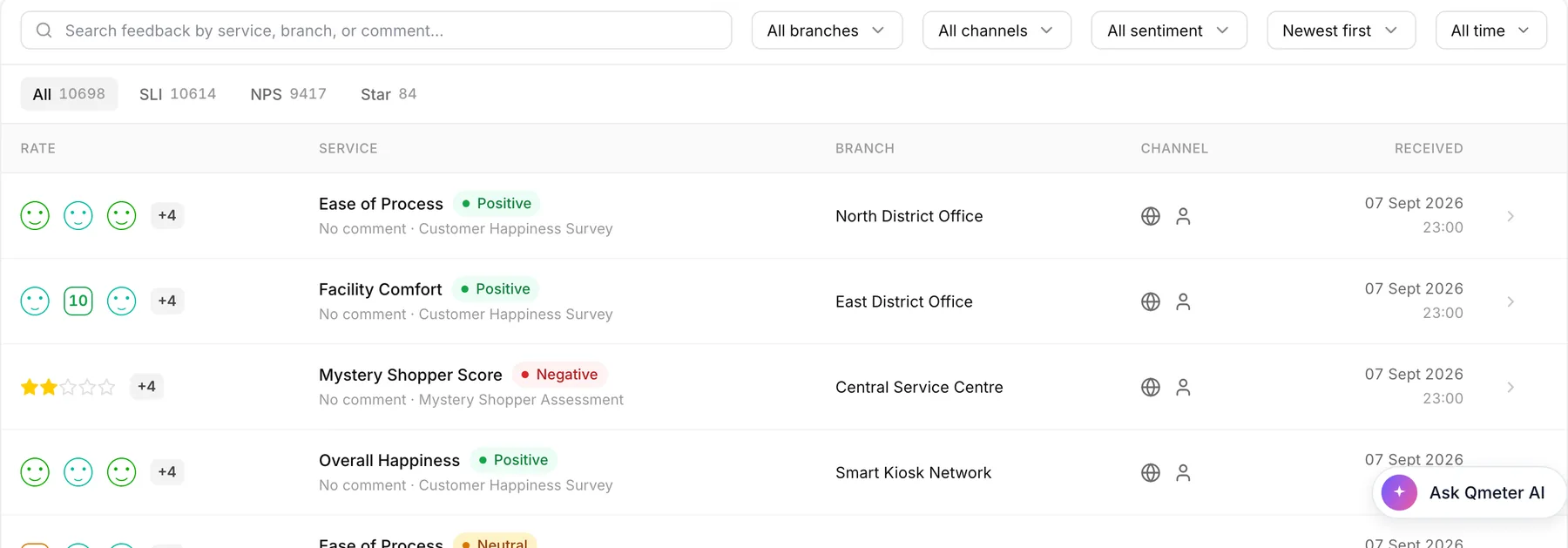
In the Feedbacks view each answer shows the rating, the service, the centre and the channel. Filter by centre or by shift, open any response, and see the comment the citizen left — translated if needed.
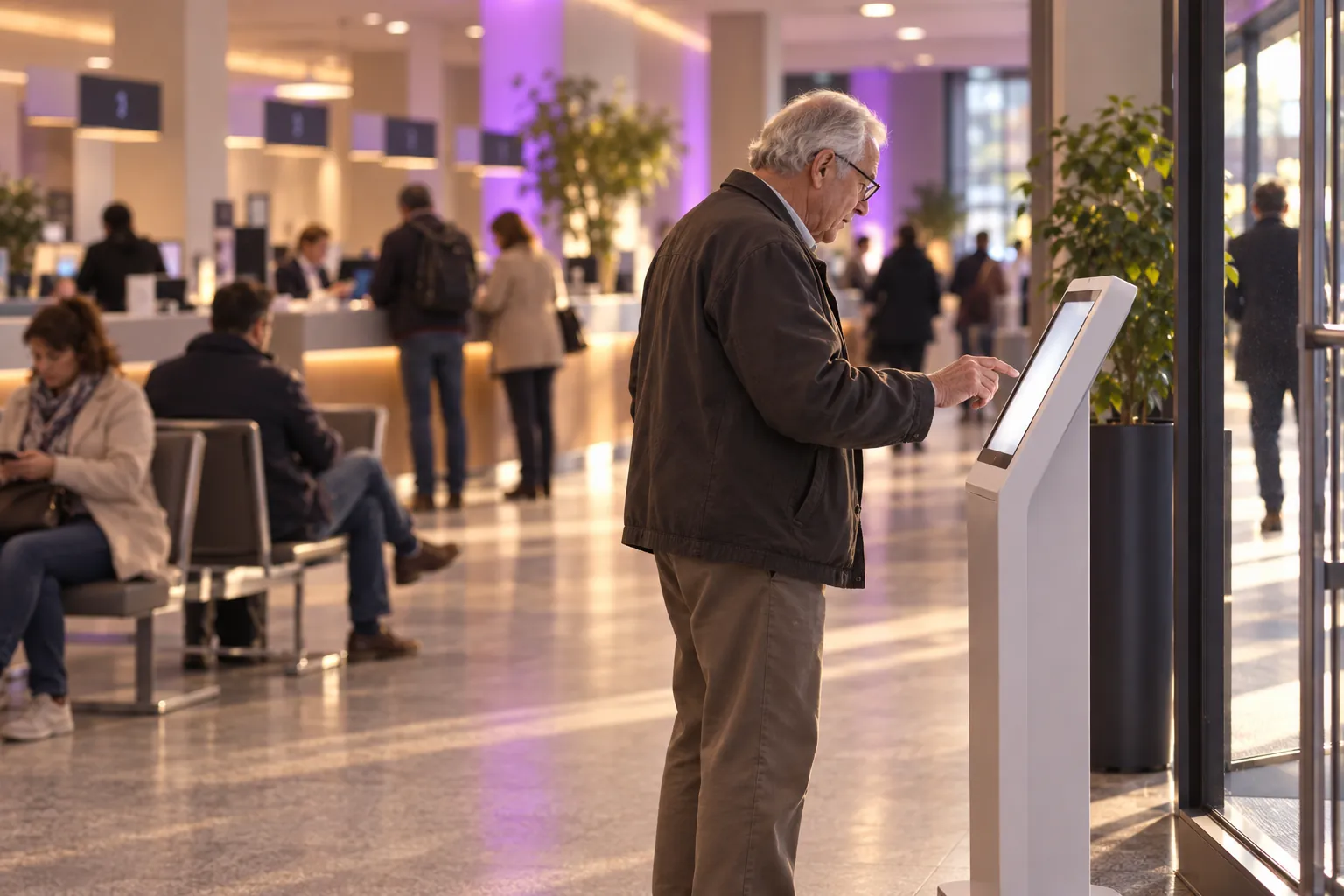
The same kiosk template serves very different buildings — only the centre and the service assignment change.
Exit kiosks for the overall visit, counter tablets for licensing, registration and permits.
One tablet at the permits counter is enough to start. See the local government feedback tool page.
Reception and discharge points. Patient feedback stays anonymous; a bad rating reaches the ward manager the same day.
Payment offices, registries and customer desks — anywhere queues form and tempers rise.
Both have a place. Only one of them tells you what went wrong this week.
| Exit kiosk | Annual survey | |
|---|---|---|
| Who answers | Every visitor who taps — including people with no email or phone on file | A sample contacted weeks or months later |
| What it measures | This visit, this counter, this service, this hour | General impressions of the institution |
| When you learn | Minutes — a bad rating opens a case the same day | After the report is written |
| What you can do | Fix the queue, the form or the counter while the citizen is still reachable | Set next year's targets |
| Data ownership | Cloud with PII masking, or on government servers | Usually held by the research agency |
Qmeter details are our published product facts; the survey column describes the common practice of commissioned periodic studies, not any specific vendor.
Short, honest answers. For a pilot in one centre, talk to our team.
Qmeter pricing is public: a Feedback Responses plan billed on responses plus a Device License per kiosk or tablet per month. Hardware is a standard tablet or a floor stand you can buy locally; there is no proprietary terminal to import. See the pricing page for current figures.
The full citizen feedback platform: every channel, accountability and data sovereignty.
→The kiosk channel for any industry: devices, kiosk mode, monitoring, pricing.
→Types, uses and costs of feedback terminals, from smiley buttons to tablet kiosks.
→What happens after the angry face: owners, SLA timers, escalation, audit trail.
→Starting with one municipal office and scaling to every department.
→How to collect feedback with a QR code at the counter, on the receipt or on the wall.
→Pilot one service centre in days — 14-day free trial, AI builds the first survey from your service profile, on-premise available for larger programmes.