Washroom feedback template
✓ Cloud or on-premise · ✓ Kiosk, QR, SMS, email and web · ✓ Live in one day
A washroom feedback template asks one question — “How clean is this washroom?” on a 1–5 smiley scale — and, after a low score, a one-tap issue picker: no paper, no soap, dirty floor, bad smell, overflowing bin, something broken. Each answer is tied to a specific washroom and sends an alert to the cleaning team within seconds.
The washroom feedback template
Washroom feedback is different from almost every other survey. Users do not want to spend time, will not type, and the useful output is not a monthly report but a cleaning task now. So the template is built around a kiosk with a single question and an issue picker, and the “full” version is only for QR codes where people are willing to say more.
It suits airports, shopping malls, offices, hospitals, stadiums, transport hubs, petrol stations and any facility where cleanliness is visible to the public. For airport-specific operations — cleaning zones, flight-bank peaks and staffing — read our guide to airport washroom feedback.
Full version (QR code, email, SMS link or web) — 6 questions
- How clean is this washroom right now?
Answer type: 1–5 smileys (Very dirty → Very clean), required
The same question on every device, so all washrooms are comparable. - What needs attention? (shown for 1–3)
Answer type: Multiple choice with icons: No toilet paper · No soap · No paper towels or dryer not working · Dirty floor · Dirty toilet or urinal · Bad smell · Bin overflowing · Something broken or leaking
Icons matter: users decide in a second and may not read the local language. - Which part of the washroom? (shown for “Something broken”)
Answer type: Single choice: Toilet · Sink or tap · Hand dryer · Door or lock · Lighting · Other - How would you rate the availability of free cubicles?
Answer type: 1–5 stars
Optional; useful in high-traffic locations to justify capacity changes. - Did you feel the washroom was safe and well lit?
Answer type: Single choice: Yes · No - Anything else we should know?
Answer type: Open text or photo, optional
Photos help maintenance teams understand a broken fixture before they arrive.
The full version is meant for a QR sticker inside the washroom or on the cubicle door. Six questions is the ceiling — most people will answer only the first two.
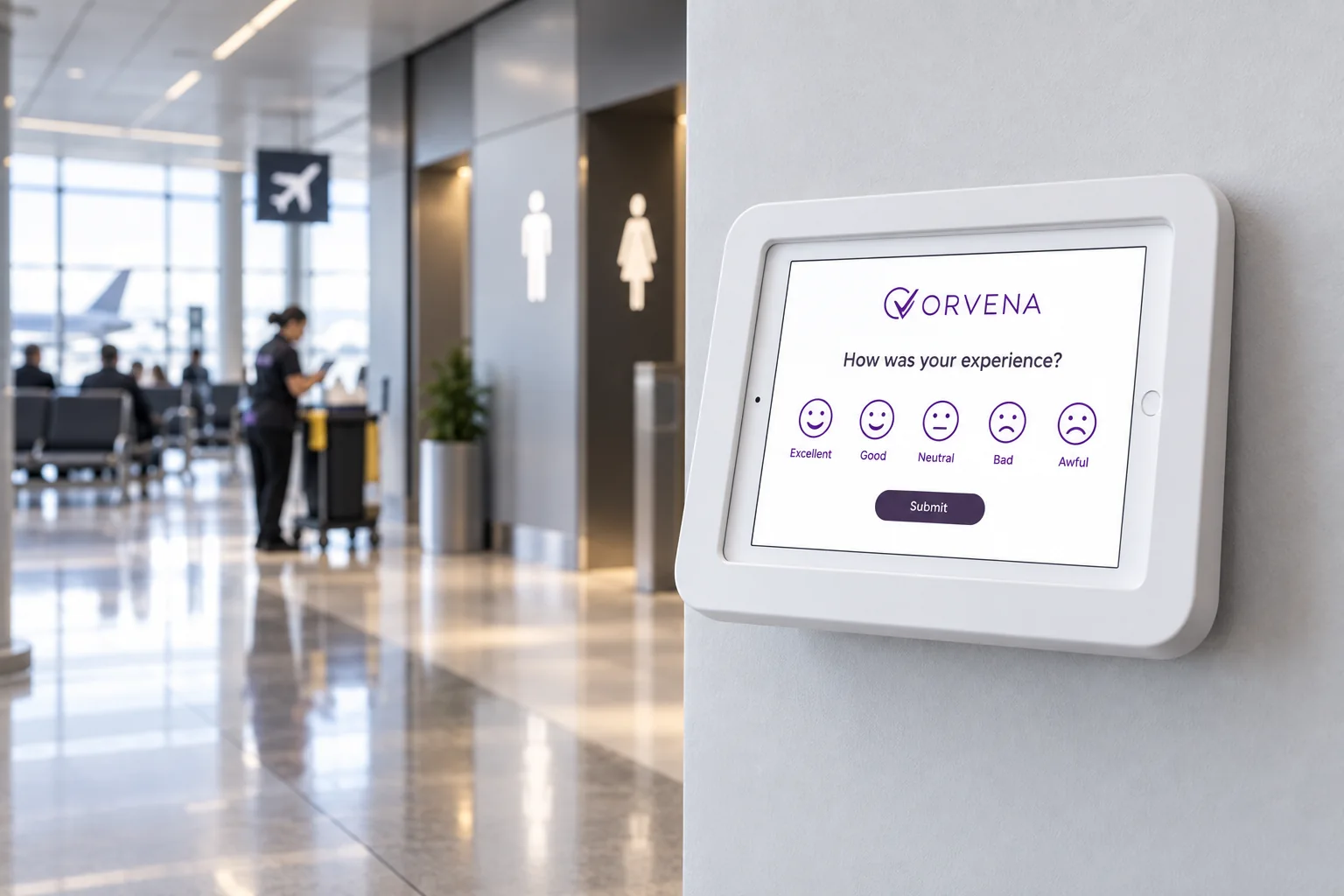
Short version for a kiosk or tablet (3 questions)
The kiosk version at the washroom exit is the core of this template. It is designed so a user can answer with one or two taps without breaking stride:
- How clean is this washroom?
Answer type: 1–5 smileys, required - What needs attention? (shown for 1–3)
Answer type: Multiple choice with icons: Paper · Soap · Floor · Toilet · Smell · Bin · Broken - Would you like to add anything? (shown after an issue is picked)
Answer type: Open text or voice note, optional — skipped by most users
End with a thank-you screen such as “Thank you — our team has been notified.” Confirming the report encourages people to use the kiosk again.
Setting up washroom feedback devices
- One device per washroom, not per block. “Men's washroom near Gate 14” is actionable; “Pier B washrooms” is not. Each device is its own channel tied to that location.
- Mount it at the exit, at hand height. People rate on the way out, after they have seen everything.
- Same layout everywhere. Users learn it once; the data becomes comparable across the building.
- Plan for weak connectivity. Washrooms are often concrete boxes with poor Wi-Fi. Devices should store answers offline and sync later, and you should see when a device is offline or its battery is low.
- Name devices the way cleaners speak. The alert must tell a cleaner exactly where to go without looking at a map.
For hardware options and floor stands, see the feedback kiosk page.
When and where to run it
Washroom feedback runs continuously; the question is where to place each version:
- Washroom exit — smiley kiosk or tablet in kiosk mode, kiosk version. The main source of data — and the trigger for cleaning alerts.
- Inside cubicles or by the mirrors — QR sticker, full version. For users who want to report something specific, with a photo.
- Accessible and family washrooms — kiosk mounted lower, kiosk version. Make sure every user can reach the screen.
- Staff washrooms and back-of-house — QR code, full version. Useful for facility management contracts covering employee areas.
- Cleaning supervisors' rounds — supervisor checklist as a separate internal survey. Compare inspection results with what users report.
How to analyse the results
The core metric is the cleanliness score per washroom (share of 4–5 answers, or the average on 1–5), shown next to the number of responses and the number of alerts. Example: across 60 washrooms in a mall, 91% of ratings are 4–5, but five washrooms produce more than a third of all “No paper” alerts — a refill schedule problem, not a cleaning-quality problem.
- By washroom and zone: rank them to target the worst performers first.
- By hour of day: scores typically fall at traffic peaks. Align cleaning rounds with them rather than with fixed times.
- By issue type: consumables (paper, soap) point at refill schedules; floors and toilets at cleaning frequency; “broken” at maintenance.
- Response time: the time between the alert and the ticket being closed — the clearest measure of the cleaning contractor's performance.
- Volume: the number of ratings is also a rough measure of usage, which helps plan staffing.
Closing the loop on low scores
For washrooms, closing the loop is the whole point:
- A rating of 1–2 (or any issue selected) sends a real-time alert to the cleaner or supervisor responsible for that zone, naming the exact washroom and issue.
- A ticket is opened with a short SLA — for example, 10 to 15 minutes for consumables — and escalates to the supervisor if not closed in time.
- The cleaner resolves the issue and closes the ticket; “broken” issues are routed to maintenance instead.
- Weekly, compare alert volumes and response times by zone and shift, and adjust rounds and refill schedules.
Response times by zone become an objective measure for facility management contracts.
Use this template in Qmeter
In Qmeter, each washroom device is a channel linked to its location, and the template runs on tablets in kiosk mode that reset after every answer and keep collecting offline. The device list shows when a unit is offline or its battery is low. Ticket generation rules turn low ratings and selected issues into tickets assigned to the right cleaner or supervisor — first or round-robin — with an escalation chain and SLA timers. See how airports use it on the airports page, or try it in the 14-day free trial.
Frequently asked questions
What should a washroom feedback form ask?
One cleanliness rating on a 1–5 smiley scale and, after a low score, a one-tap list of issues: no paper, no soap, dirty floor, dirty toilet, bad smell, overflowing bin, something broken.
Where should a washroom feedback kiosk be placed?
At the washroom exit, at hand height, with one device per washroom so every alert points to an exact location. Accessible washrooms need a lower mounting.
How fast should cleaning teams respond to an alert?
A practical starting point is 10 to 15 minutes for consumables and dirty floors, and longer for maintenance issues. Set targets that match your staffing and measure them.
Will people really use a washroom feedback kiosk?
Yes, if it takes one or two taps, sits in the natural exit path and visibly leads to action. A thank-you message confirming that the team was notified encourages repeat use.
What happens when the washroom has no Wi-Fi?
Use devices that store responses offline and sync when the connection returns, and monitor device status so you know when a unit is offline.
Can washroom feedback measure a cleaning contractor's performance?
Yes. Cleanliness scores, alert volumes and the time from alert to ticket closure by zone give an objective basis for contract reviews.
Measure it at every location — live in one day
Feedback kiosks, QR and web surveys, SMS and email, real-time alerts and follow-up tickets in one platform. 14-day free trial.
✓ 15 minutes · ✓ No commitment · ✓ A real CX person