Retail store customer feedback template
✓ Cloud or on-premise · ✓ Kiosk, QR, SMS, email and web · ✓ Live in one day
A retail store customer feedback template asks shoppers, as they leave, how satisfied they are with their visit, whether they found what they came for, how helpful staff were, how long checkout took and how the store looked. Use a three-question kiosk at the exit for volume and a QR code on the receipt for the full version.
The retail store customer feedback template
In a store, the most important question is often not “were you satisfied?” but “did you find what you came for?”. A shopper who leaves empty-handed is a lost sale that never appears in your transaction data. This template puts product availability right after the overall rating so you can see, store by store, how many visits end without a purchase and why.
It is written for physical retail — fashion, electronics, grocery, pharmacy, home and DIY, showrooms — and works the same in a single shop or a chain of hundreds. For a deeper question bank by retail topic, see our retail customer feedback survey questions.
Full version (QR code, email, SMS link or web) — 10 questions
- How satisfied are you with your visit to our store today?
Answer type: 1–5 smileys (Very dissatisfied → Very satisfied), required - Did you find everything you were looking for?
Answer type: Single choice: Yes, everything · Some of it · No
The availability question. Track the “No” share per store every week. - What were you unable to find? (shown for “Some” or “No”)
Answer type: Multiple choice by category (e.g. Clothing · Shoes · Electronics · Groceries · Other) + optional text - How helpful was our staff when you needed assistance?
Answer type: 1–5 stars, with “I did not need help” - How long did you wait at the checkout?
Answer type: Single choice: No wait · Under 5 min · 5–10 min · Over 10 min - How would you rate the cleanliness and layout of the store?
Answer type: 1–5 stars - Did you buy something today?
Answer type: Single choice: Yes · No
Combined with question 2, this separates browsers from lost sales. - How likely are you to recommend this store to a friend or family member?
Answer type: 0–10 scale (Net Promoter Score) - What one thing would make you visit us more often?
Answer type: Open text, optional - Leave your phone or email if you would like us to get back to you.
Answer type: Customer fields, optional
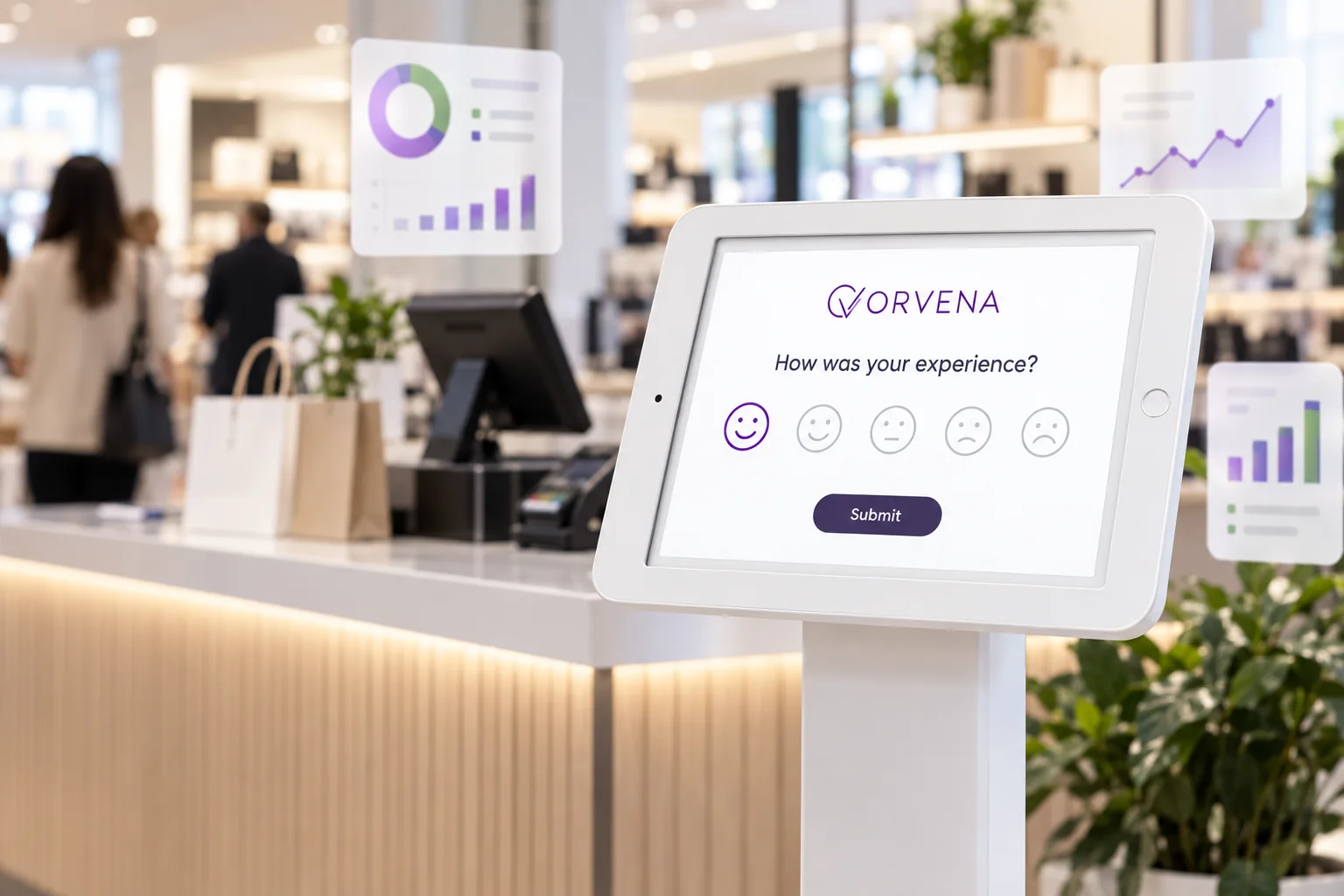
Short version for a kiosk or tablet (3 questions)
At the exit, shoppers have bags in their hands and somewhere to be. The kiosk version captures the two numbers that matter most — satisfaction and availability — plus the reason for a bad score:
- How was your shopping experience today?
Answer type: 1–5 smileys, required - Did you find everything you were looking for?
Answer type: Yes · Some of it · No - What could we improve? (shown for 1–3)
Answer type: Multiple choice: Product availability · Staff help · Checkout queue · Store cleanliness · Prices · Other
Where to place the kiosk in a store
Placement decides who answers. A few rules from multi-store rollouts:
- After the checkout, before the door. You reach buyers and, if the exit is shared, non-buyers too. A kiosk inside the checkout queue mostly measures queue frustration.
- At eye level, in the walking line. Customers will not detour to a kiosk in a corner.
- Away from staff positions. Shoppers rate more honestly when nobody is watching the screen.
- The same place in every store. Consistent placement is what makes store-to-store comparison fair.
- Add a QR code on the receipt for customers who want to say more than three taps allow.
Our feedback kiosk page shows hardware options, including floor stands and counter tablets.
When and where to run it
Retail has a short, predictable journey. Each step suits a different channel:
- At the store exit — kiosk or tablet in kiosk mode, short version. Main source of volume; captures non-buyers too.
- On the receipt — QR code, full version. Customers can answer at home with more time.
- After a loyalty-card purchase — SMS or email within a few hours, full version. Known customers can be followed up personally.
- Fitting rooms or service desks — QR code on the wall, short version. Ask about the specific service — fitting room, returns, repairs.
- After click-and-collect or delivery — SMS, full version adapted to pick-up. Replace the store layout question with a pick-up question.
How to analyse the results
Two headline numbers per store: satisfaction (share of 4–5 on question 1) and availability (share of “Yes, everything” on question 2). Example: a store collects 600 exit responses in a month; 82% are satisfied, but only 71% found everything — and the missing items are concentrated in one category.
- Store league table. Rank stores by satisfaction with response counts alongside. Stores with very few responses need better kiosk placement before judgement.
- Lost-sale rate. Customers who did not find what they wanted and did not buy (questions 2 and 7). Share it with merchandising and supply chain, not only store teams.
- Checkout waits by hour. Map the “over 10 minutes” answers by hour and day to plan cashier schedules.
- Staff helpfulness by store and shift. A consistent gap between shifts usually reflects staffing levels.
- Region and format. Compare like for like — mall stores with mall stores, high street with high street.
Closing the loop on low scores
Most retail feedback is anonymous, so the loop is often operational rather than personal:
- Every score of 1–2 sends a real-time alert to the store manager. Several in a short time usually point to a queue or staffing problem happening right now.
- Individual low scores with contact details open a ticket for customer service, with a same-day response target.
- Repeated “could not find” answers for a category create a task for merchandising.
- Monthly, review closed tickets and recurring reasons by store and region.
See closed-loop feedback for setting response times and escalation levels.
Use this template in Qmeter
Qmeter runs this template on tablets in kiosk mode at every store exit — they reset after each answer, keep working offline, and the device list shows when a tablet loses Wi-Fi or its battery runs low. Receipt QR codes, SMS and email campaigns feed the same dashboard, where stores, regions and channels are compared side by side. Ticket generation rules turn low scores into follow-ups for the right store manager. See retail for chain-wide rollouts, or start with the 14-day free trial.
Frequently asked questions
What questions should a retail customer feedback survey ask?
Overall satisfaction, whether the customer found what they were looking for, staff helpfulness, checkout waiting time, store cleanliness and layout, whether they bought something, likelihood to recommend and one open question.
Where is the best place for a feedback kiosk in a store?
After the checkout and before the exit, at eye level in the natural walking line and away from staff positions. Use the same placement in every store to keep comparisons fair.
How many questions should a retail exit survey have?
Three on a kiosk. Shoppers leaving the store will not answer more. Use a QR code on the receipt for the full ten-question version.
How do I measure lost sales with a feedback survey?
Combine two questions: did you find everything you were looking for, and did you buy something today. Customers who answer No to both are lost sales you can track by store and category.
How do I compare stores fairly?
Use the same template and kiosk placement everywhere, show response counts next to every score, and compare stores of a similar format and size.
Should retail feedback be anonymous?
Yes by default, with an optional contact field. Anonymous feedback is more honest; customers who want a reply can leave a phone number or email.
Measure it at every location — live in one day
Feedback kiosks, QR and web surveys, SMS and email, real-time alerts and follow-up tickets in one platform. 14-day free trial.
✓ 15 minutes · ✓ No commitment · ✓ A real CX person